


Maybe you have seen it, maybe not. The little box that shows when adding links to your website asks “open in a new window”.
You have probably ignored it because you are a bit unsure how to use it. But after reading this post, you will never hesitate again.

My first website
On the first website that I had for my photography business, ALL my links were opened in new windows.
Let me repeat that. ALL LINKS!
If you clicked to view my services – new window – if you clicked to see my prices – new window – if you continued to my gallery – new window – if you opened a gallery, yes you are right – a new window opened up.
Can you just imagine how many browser tabs were opened after a visit to my website!?
Well, they say that time makes you wiser and today I know how to use the “open in a new window” feature correctly.
In fact. I see this feature is quite unused, maybe just because it’s difficult to know what difference it makes?
I’m here to explain it all to you!
If we start at the other end.
When you get visitors to your site, you don’t want them to disappear, you want them to stay at your site as long as possible.
If you then have a link that goes to another website than yours, it could be to your social media accounts, affiliate links, vendors, etc, it’s very easy for your visitors to stay at any of those pages instead, with a risk that they forget about you and your website.
If the link to this external page was opened in a new window, your website will still be opened and act as a reminder for your visitor.
But don’t make my mistake and have all links open in new windows, that is just annoying and are just unnecessary as the visitor still is at your site.
When to use “open in a new window” for your links
THE LINK RULE:
– Internal links open should be opened in the same window
– External links should ALWAYS be opened in new windows
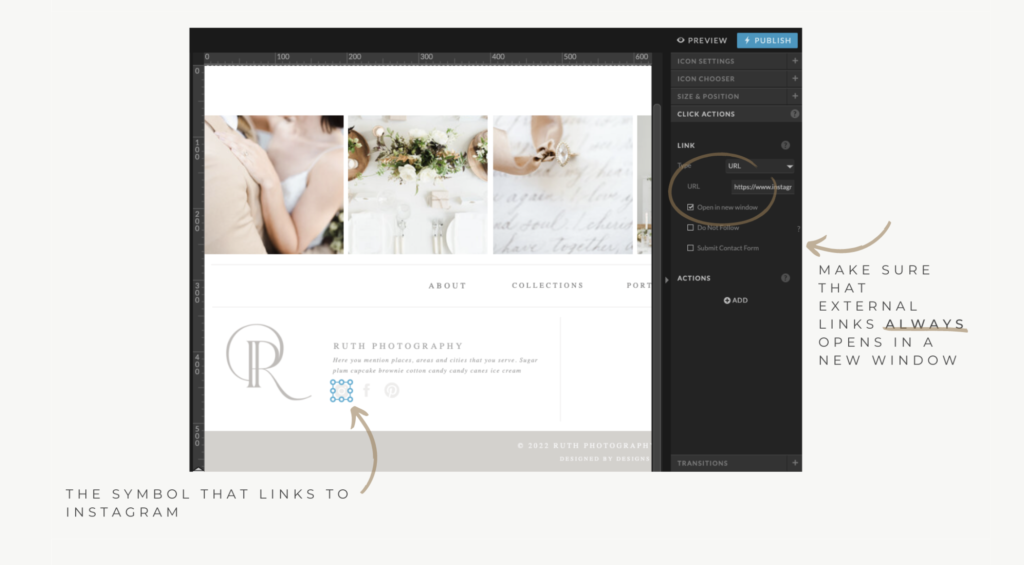
But all website platforms should allow you to open links in new windows. If you are unsure how to do it on your platform, Google it.
The only exception
When writing a blog and you in the text refer to another blog post or resource of YOURS, then you also should use the “open in a new window” feature.
Because in this scenario the second page that opens up will be something that will be an extension of the existing page or, it will open up as a reminder to read after done with the first page.
Just put yourself into the same scenario, when you read a text and there is a link to something else you would like to read. It can be a bit stressful as you want to continue reading that you started but don’t want to forget that link.
The same thing, if you go for that link, you don’t want to forget where you started.
read more…
- Read about SEO for Photographers and Wedding planners here.
- Learn how your can optimize your Instagram Bio here.
- And here you can read about the importance of having an Email List
fdsfsffsf
Leave a Reply
Other really good blog posts
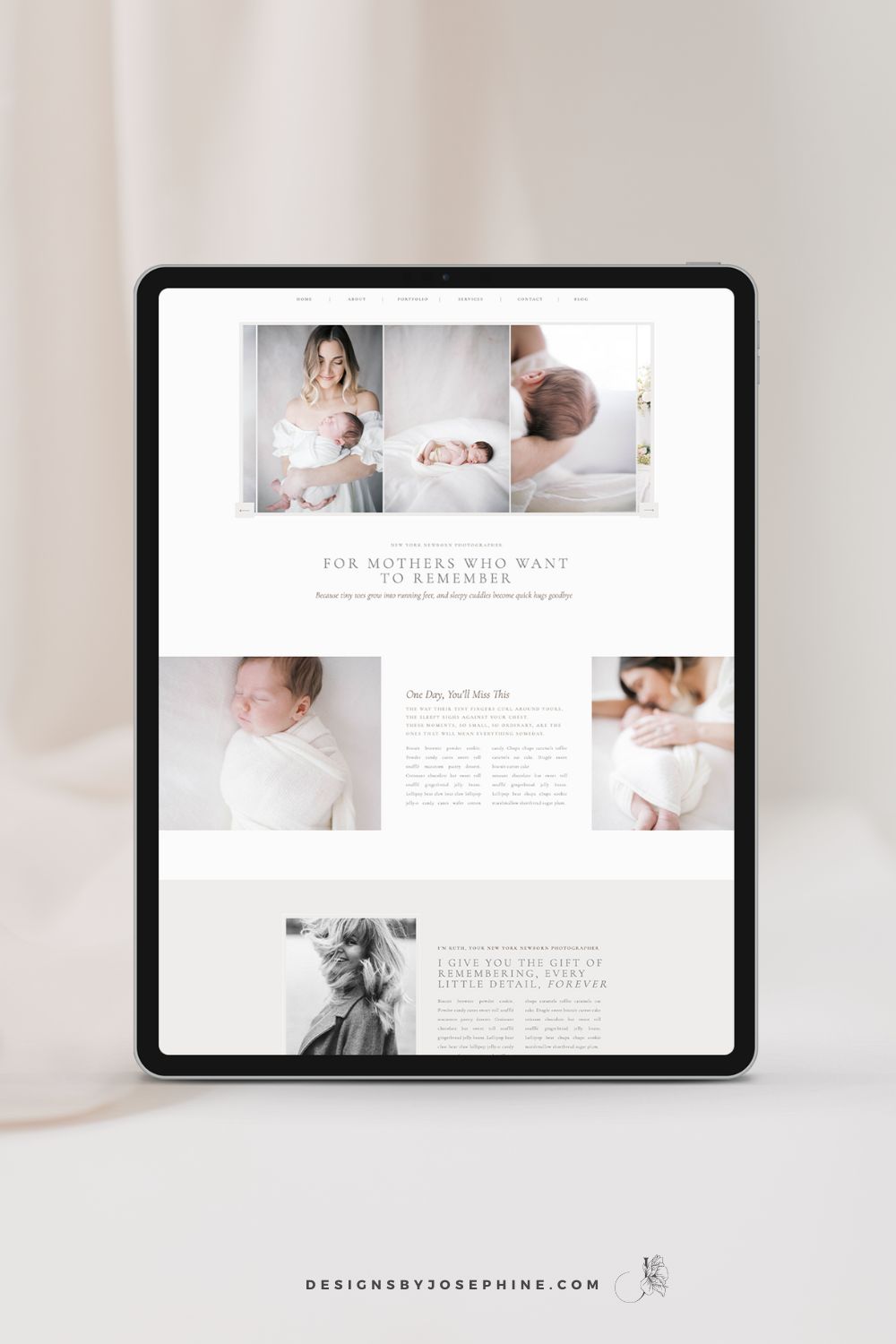
You know that feeling when you’ve spent hours trying to figure out SEO, only to find your newborn photography website still buried on page 7 of Google? You’ve watched tutorial after tutorial but somehow you do not see inquiries via Google? That’s why I designed Ruth, the Showit template that makes SEO work for newborn […]
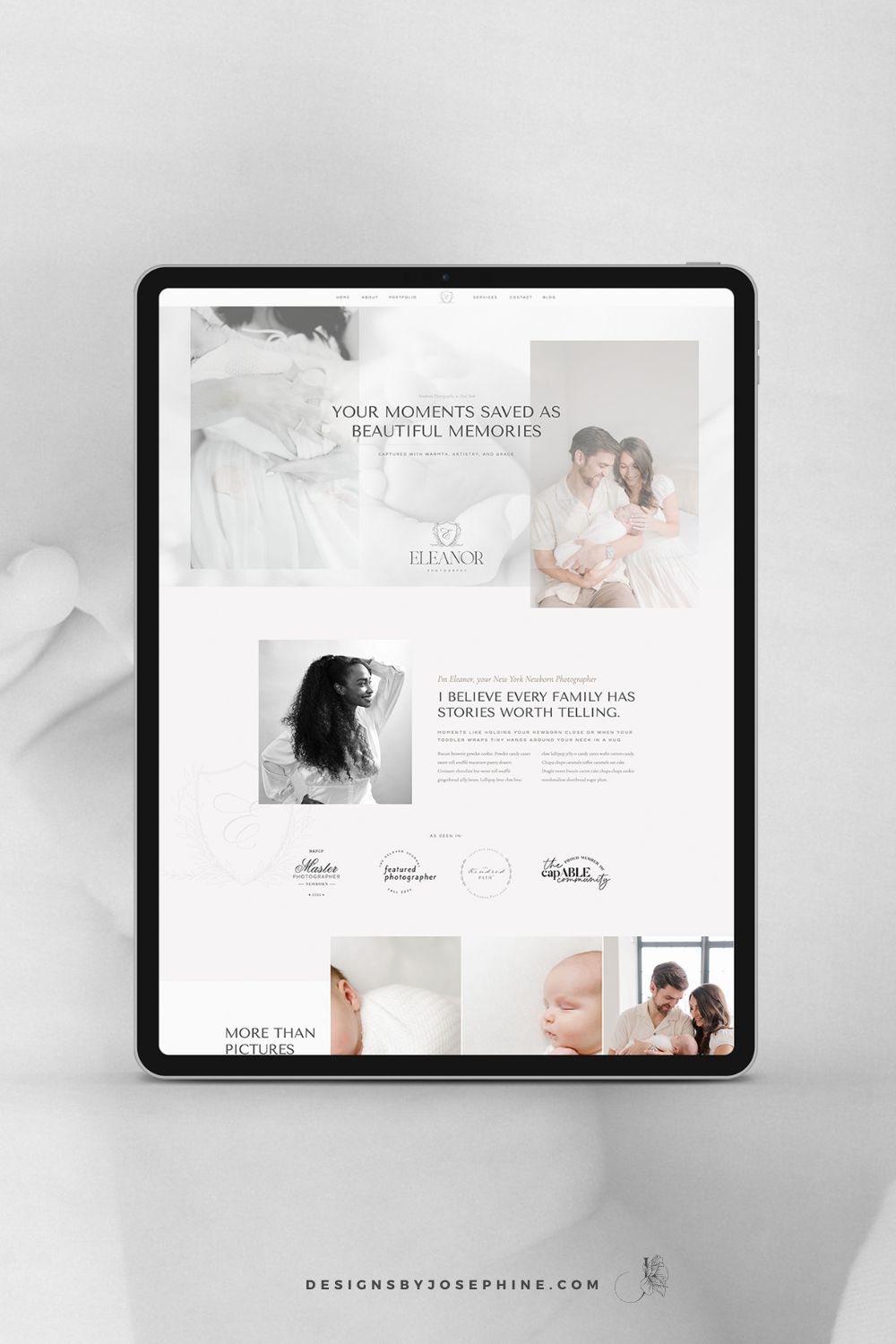
You create these beautiful, heartfelt moments for your clients. Your sessions are thoughtfully planned and your images are stunning. But does your website truly reflect the amazing experience you provide? Eleanor is the new Showit Template for Maternity, Newborn and Family Photographers who want their online presence to match the quality of their work. Create […]
After months of pouring so much love into this project, I finally get to share what Candace and I created together. And oh my goodness, the story behind it all just makes me smile every time I think about it – a perfect blend of southern heritage and modern heirloom photography.Please have a closer look […]
We’ve all been there. After pouring your heart into a beautiful maternity session, you finally bring up wall art… only to hear those dreaded words: “I’ll just take the digitals.”Your heart sinks, knowing these precious memories might never make it off their hard drive.But here’s the truth. If your clients are consistently choosing digital-only packages, […]
As a motherhood photographer, you’ve likely experienced that frustrating moment when your marketing efforts feel as productive as a toddler lying on his belly playing with invisible dust on the floor during a photo session, ignoring you completely. Just like no matter how many Instagram posts you create or testimonials you add to your website, […]

Rachel Elisabeth Photography’s new brand and Showit website is live, and let me tell you—it was such a joy to see it all come together! From battling a stubborn font to crafting every little detail with love, this project was a true labor of passion and heart. Rachel’s new brand now beautifully reflects her warmth […]
If you should add your Instagram feed to the footer of your photography website is a question I often get, and honestly, there’s no one-size-fits-all answer. But that’s okay because, in this post, we’re going to talk through it together. By the end, I hope you’ll have a clearer idea of what’s right for your […]

What’s been leading through our brand and web design project is to create a sophisticated feeling that should send promises about the whole experience she offers her clients.Even if Lisa’s work speaks for itself, now, with her new brand and website, there is no doubt that she is the one to go to when looking for […]
When Tori told me about her vision of her new brand, I only needed to hear peonies and sweeping cursive handwritten fonts to know that this would be a dream to create.And I was right. Designing this Custom Branding for Wedding Photographer Tori Claire turned out so well with its romantic, soft, blush, and feminine […]
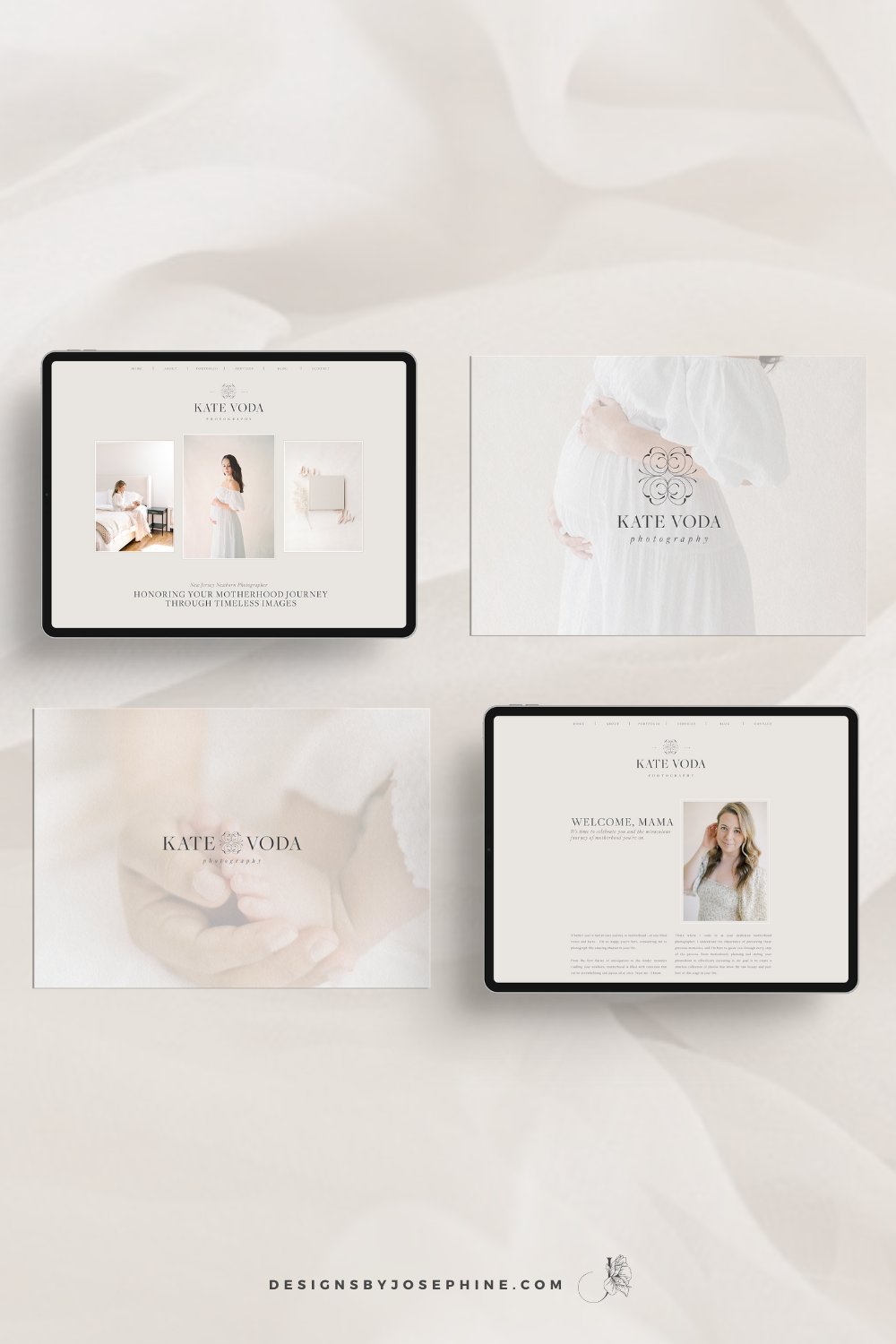
Kate’s new branding is inspired by her own journey through motherhood and her experience in the NICU. Her business is centered around preserving memories for mothers who have shared a similar experience.This branding and Showit website for Newborn Photographer Kate Voda is designed to create a warm and welcoming environment, like an open hug for […]
You know that feeling when you’ve spent hours trying to figure out SEO, only to find your newborn photography website still buried on page 7 of Google? You’ve watched tutorial after tutorial but somehow you do not see inquiries via Google? That’s why I designed Ruth, the Showit template that makes SEO work for newborn […]
You create these beautiful, heartfelt moments for your clients. Your sessions are thoughtfully planned and your images are stunning. But does your website truly reflect the amazing experience you provide? Eleanor is the new Showit Template for Maternity, Newborn and Family Photographers who want their online presence to match the quality of their work. Create […]
After months of pouring so much love into this project, I finally get to share what Candace and I created together. And oh my goodness, the story behind it all just makes me smile every time I think about it – a perfect blend of southern heritage and modern heirloom photography.Please have a closer look […]
We’ve all been there. After pouring your heart into a beautiful maternity session, you finally bring up wall art… only to hear those dreaded words: “I’ll just take the digitals.”Your heart sinks, knowing these precious memories might never make it off their hard drive.But here’s the truth. If your clients are consistently choosing digital-only packages, […]
As a motherhood photographer, you’ve likely experienced that frustrating moment when your marketing efforts feel as productive as a toddler lying on his belly playing with invisible dust on the floor during a photo session, ignoring you completely. Just like no matter how many Instagram posts you create or testimonials you add to your website, […]
Rachel Elisabeth Photography’s new brand and Showit website is live, and let me tell you—it was such a joy to see it all come together! From battling a stubborn font to crafting every little detail with love, this project was a true labor of passion and heart. Rachel’s new brand now beautifully reflects her warmth […]
If you should add your Instagram feed to the footer of your photography website is a question I often get, and honestly, there’s no one-size-fits-all answer. But that’s okay because, in this post, we’re going to talk through it together. By the end, I hope you’ll have a clearer idea of what’s right for your […]
What’s been leading through our brand and web design project is to create a sophisticated feeling that should send promises about the whole experience she offers her clients.Even if Lisa’s work speaks for itself, now, with her new brand and website, there is no doubt that she is the one to go to when looking for […]
When Tori told me about her vision of her new brand, I only needed to hear peonies and sweeping cursive handwritten fonts to know that this would be a dream to create.And I was right. Designing this Custom Branding for Wedding Photographer Tori Claire turned out so well with its romantic, soft, blush, and feminine […]
Kate’s new branding is inspired by her own journey through motherhood and her experience in the NICU. Her business is centered around preserving memories for mothers who have shared a similar experience.This branding and Showit website for Newborn Photographer Kate Voda is designed to create a warm and welcoming environment, like an open hug for […]