

SEO for Photographers
When I had my photography business, SEO felt like one of those things I’d never really understand. It sounded so technical, and honestly, I just wanted to focus on photographing families, not keywords and algorithms.
But I decided to give it a real try. And once I started learning, it all began to make sense. I learned how to answer the questions people were already searching for, how to describe my sessions in a way that moms would actually type into Google, and how to make my website clear and helpful.

How Focusing on SEO Changed My Photography Business
Before long, I was ranking number one in my area and even number four in my entire country with my photography business.
Now, to be completely transparent, I live in a small country, so the competition wasn’t huge. But that’s not the point. The point is that the core idea works anywhere. When you give people what they’re searching for, when your website helps, answers, and connects, Google notices.
Even though SEO changes over time, that core idea hasn’t. You don’t need to chase trends or figure out what Google wants this week. You just need to keep your website full of clarity and care, with words that help people find exactly what they’re looking for.
If you’re a motherhood photographer, SEO isn’t something separate from your website or your photos. It’s built into everything you already do, your words, your blog posts, your image names, even how your pages connect to each other.
So instead of thinking of SEO as something you have to learn, think of it as something you can apply in small, doable steps.
My SEO Tips for Photographers is to Make Your Website Easy to Understand
Search engines can’t feel or guess the way people do. They only know what you tell them. The most difficult part when building a website with SEO in mind is that you want to speak to two very different audiences at the same time, Google and your clients.
When you speak to your clients, the ones you actually want to book you, you need to use emotional language that helps them feel something. But when you want Google to understand what your website is about, you need to use short and direct language that clearly describes what you do and where you are.
That’s where your text tags come in.
Your H1 tag should be simple and clear for Google, something like:
“Newborn Photographer in Charleston, South Carolina”
That’s the line that tells search engines exactly what your page is about.
Then your H2 can be where you write for your clients, something with emotion that helps them connect, like:
“The kind of pictures that bring back how this season truly felt, every time you look at them.”
Both are important. The H1 helps people find you. The H2 helps them want to book you.
Something that often feels confusing is that your H1 doesn’t need to be the largest text on the page. You can make it smaller and keep it there just for SEO purposes. Then, design your emotional H2, the one you actually want people to notice, in a larger font. That way, your website looks beautiful, reads naturally, and still performs well in search results.
Blogging for Photographers: How to Use Blog Posts to Boost SEO
Blogging is one of the most effective ways to strengthen your SEO. Google’s main goal is to understand what your website is about and show it to the right people, and blogging helps you do exactly that.
When you write blog posts, you give Google new and valuable content to index, showing that your website is active and relevant. Every post adds context and depth, helping Google see the bigger picture of what you do, who you serve, and where you work.
But here’s the thing, many photographers today are blogging about the same topics. “What to wear,” “how to prepare,” “what to expect.” These posts aren’t wrong, but they don’t help you stand out.
Your blog works best when it’s connected to your way of doing things. It should show what makes your approach special and what happens behind the scenes of your sessions.
That could be posts about:
- How you calm a fussy baby during a newborn session
- What a real session looks like when a toddler runs wild
- Why you plan extra time during newborn sessions for nursing or diaper changes
These kinds of posts feel personal and real. They show potential clients what working with you actually looks like while naturally using the words and phrases that people search for.
Blogging doesn’t just add content. It keeps your website alive. Each new post tells Google that your site is active, trustworthy, and serving your audience well. Over time, that strengthens your overall SEO and helps your entire website rank better.
If you want to learn how to plan, organize, and structure your blog in a way that supports both your SEO and your business, I teach the full process inside my Blogging Masterclass for Photographers.
Image titles and Alt Texts
Your pictures play a big role in SEO, but search engines can’t actually see them. They rely on your file names, titles, and alt text to understand what’s in each image.
The image title isn’t the most important factor for SEO, but it still helps Google understand what your website is about. Keep titles short and descriptive, using hyphens between words so they’re easier for Google to read.
For example:
Good: mother-holding-newborn-baby.jpg
Bad: DSC_456789.jpg
Alt text works the same way. It helps both Google and people using assistive technology understand what’s in the photo. A simple rule is to describe the picture as if you were explaining it to someone who can’t see it.
For example:
A mother holding her newborn baby during an in-home session in Charleston.
These small details make your site more accessible and help Google better understand your content.
If you want to go deeper into how to write titles and alt text, you can read my full post here: How to add Image Titles and Alt-Text for SEO on your Photography Website
Backlinks and Local SEO for Photographers
SEO doesn’t just happen on your site. When other websites link back to yours, it tells Google that your business is trustworthy and worth recommending.
You can start simple, join local listings, connect with other small businesses like doulas or baby boutiques, or share a feature on a community blog.
If you want to dig deeper into this, you can read more in my post Backlinks for Motherhood Photographers: What They Are and How to Get Them.
Why Your Photography Website Should Include an FAQ Section
Google’s main goal is to answer people’s questions, that’s what search engines are built for. So when your website includes a section that directly answers the questions your clients are already asking (and searching for), it helps Google see your site as useful and relevant.
Adding a short FAQ section to your website pages is one of the simplest and most powerful SEO tools you can use. It gives Google more context about your business while helping potential clients feel informed and reassured.
But your questions shouldn’t sound generic or like they could belong to any photographer. The goal is to make them sound like you and reflect your specific way of working.
Here are some examples of Google-friendly FAQ ideas that feel more personal and specific:
- “What happens if my newborn needs to eat or be changed during the session?”
- “Can you include grandparents or extended family in our session?”
- “What if my toddler doesn’t want to cooperate?”
- “Do you help with what to wear, or should we choose outfits ourselves?”
- “How do you make camera-shy parents feel comfortable?”
Each of these questions gives you a chance to write short, natural answers that include key phrases (like “newborn photography session,” “family portraits,” or your location).
Your FAQ section also tells Google that your website is helpful and answering real questions that real people are searching for. That builds trust both with Google and with your visitors.
SEO for Photographers Is Not About Perfection
The truth is, SEO doesn’t work overnight. But every time you update a page, rename an image, or write a new blog post, you’re helping Google understand your website a little better.
And that’s really what SEO comes down to, being clear, consistent, and genuine. You don’t need to know every trick or sound like a tech expert. If your focus stays on serving your clients well, sharing helpful information, and writing from the heart, most of the SEO part will come naturally.
Keep showing up. Keep describing what you do and why it matters. Keep creating content that helps families feel understood and cared for. When you do that, both Google and your clients will find you.

read more
Leave a Reply
Other really good blog posts
Dearest reader, as this author look back through last season’s treasured chronicles, we stumble upon one of the most delightful brand transformations that graced our beloved photography circle. If you didn’t read that in Julie Andrews’ Bridgerton voice, I simply must insist you go back and try again While we may not actually be living […]
Emma is a Showit website template created specifically for motherhood photographers offering maternity, newborn, family, and milestone sessions. She is designed to help your website do more than look beautiful. She helps mothers understand what working with you feels like, how you care for them and their babies, and why your experience is worth choosing, […]

We write so much for our businesses. Captions, blogs, guides, descriptions. And most of the time, we are thinking about how it will perform. Is this good for the algorithm? Will anyone even see it? Did we choose the right keywords?It takes the joy out of writing when every sentence feels like it has to […]
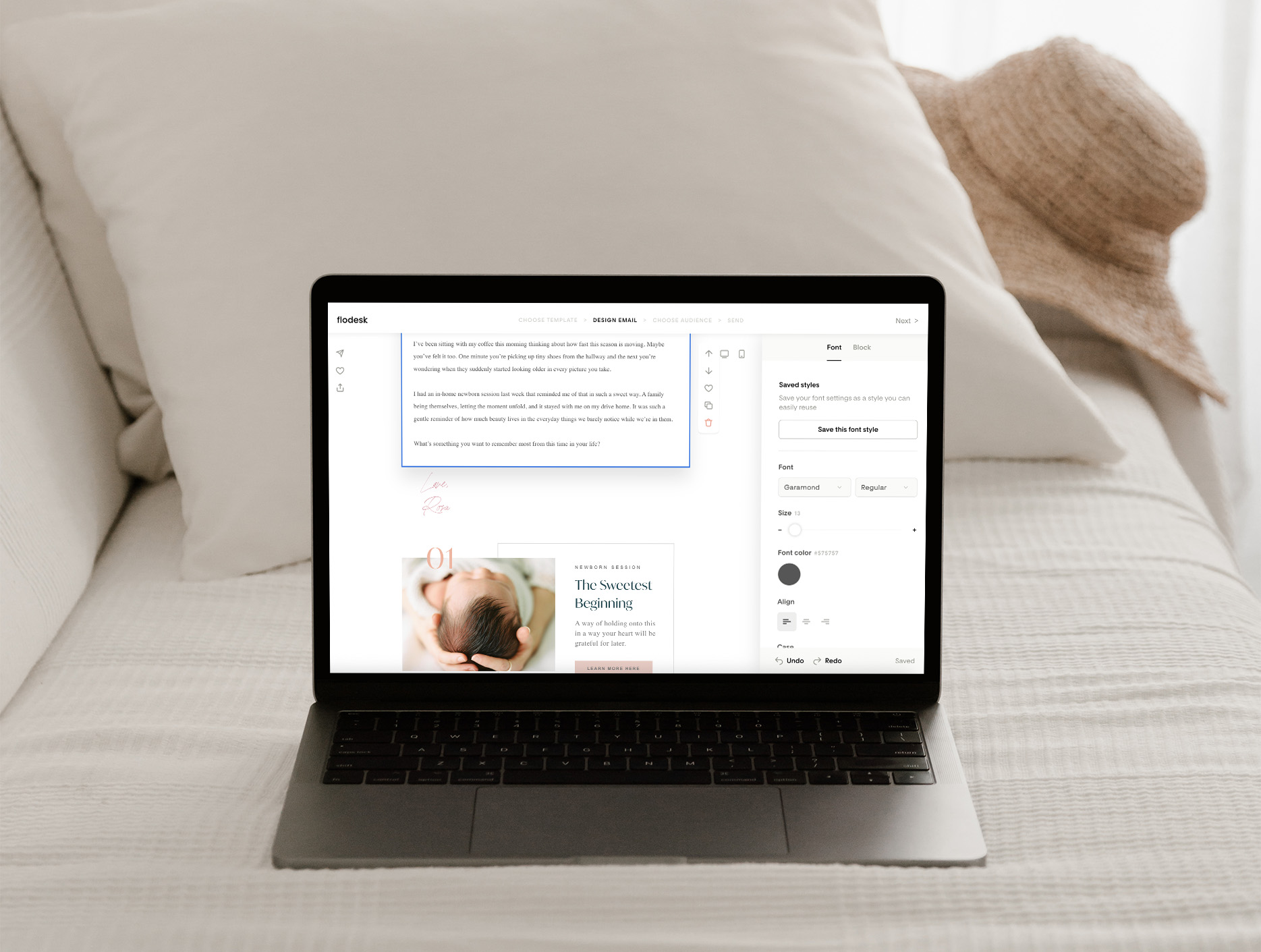
Blogging can feel like one of those things you know you need to do, but it always ends up pushed to the bottom of your to-do list. You know it’s good for SEO. You know it helps your website. But every time you sit down to write, it just feels… So hard! Why Blogging Feels […]

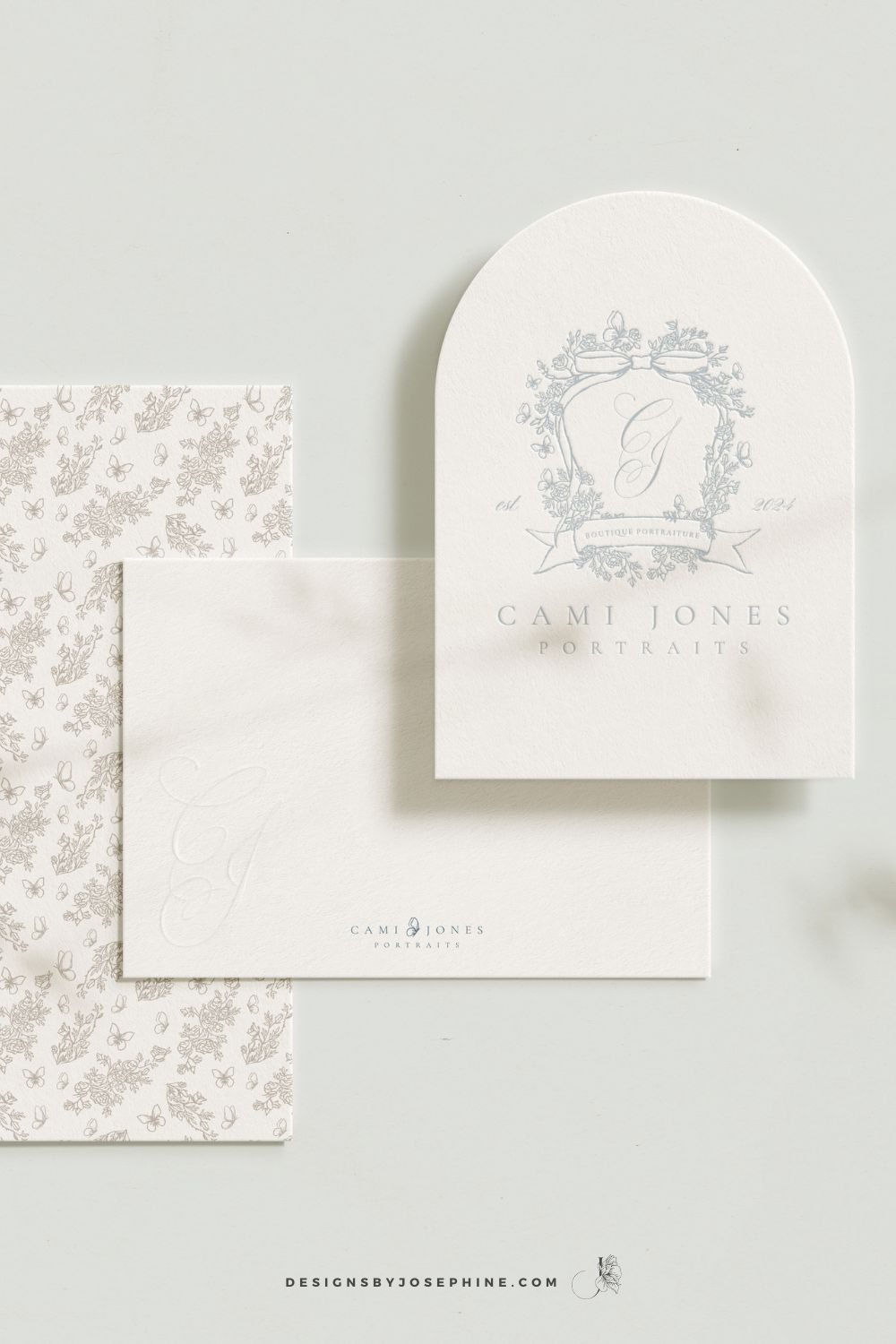
Dearest gentle reader,If the Ton in Bridgerton had a photographer, it would most certainly be Cami Jones, grace in her soul, intention in her art, and beauty in every detail she touches. From our very first conversation, I knew this would become one of those rare projects that live close to the heart. What began […]
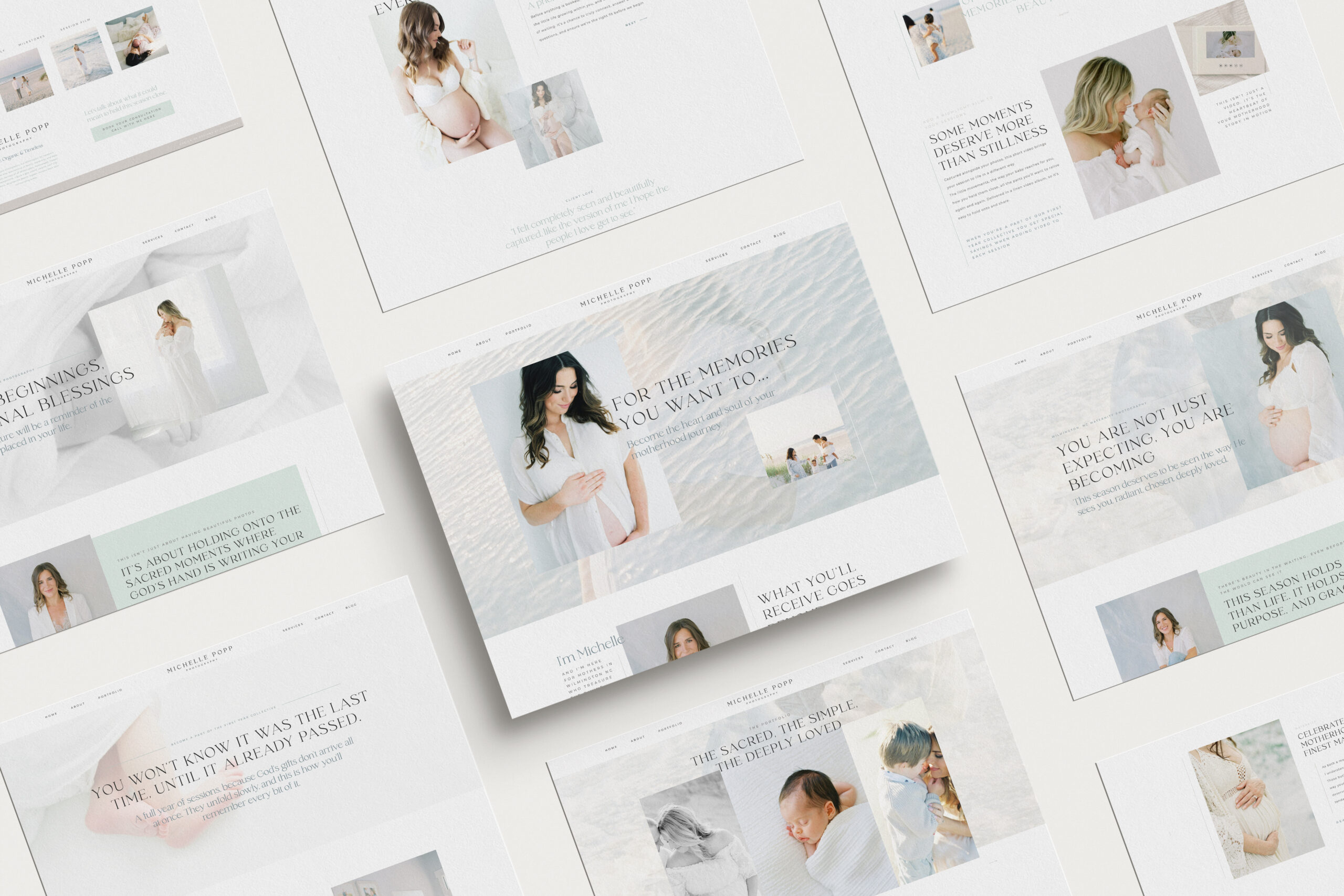
What happens when your photography outgrows your website? This is the story of a site designed to feel like breathing in and out, calm, faith-filled, and deeply personal. A Custom Showit Website for a Motherhood Photographer, created to reflect the heart of her work and the season she’s in now. Turning a Motherhood Photographer’s Faith […]
When it comes to SEO, traffic and ranking are closely connected. The more people who land on your site, the more Google sees it as a place worth showing to others. And yes, the higher you rank, the more traffic you naturally get. It can feel a little bit like a loop, but the good […]

Backlinks might sound like one of those complicated tech words, but they’re really just about trust. When other websites mention you and link back to your own, it tells Google your work is worth noticing. For motherhood photographers, this can be one of the most powerful ways to show up higher in searches and to […]

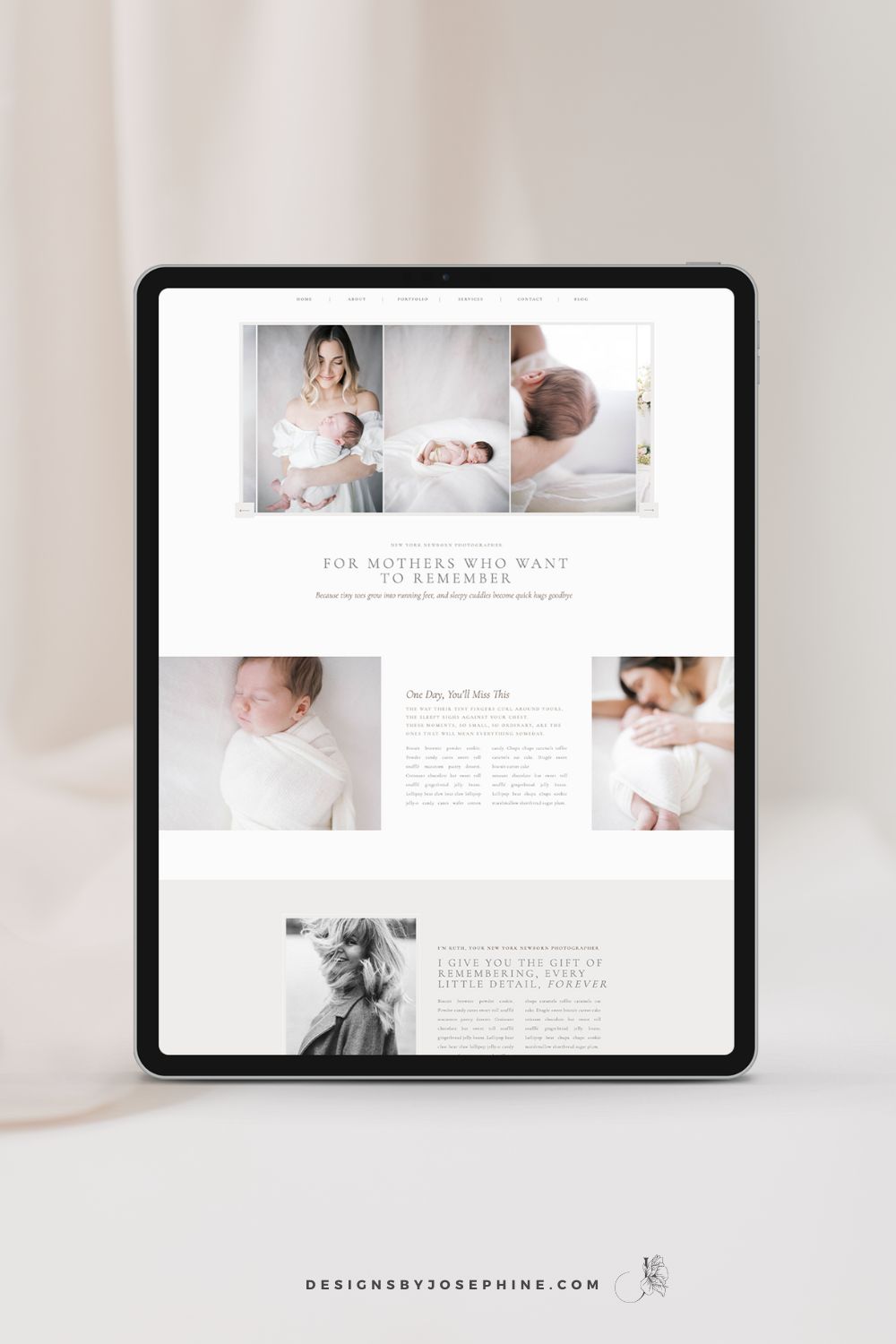
You know that feeling when you’ve spent hours trying to figure out SEO, only to find your newborn photography website still buried on page 7 of Google? You’ve watched tutorial after tutorial but somehow you do not see inquiries via Google? That’s why I designed Ruth, the Showit template that makes SEO work for newborn […]
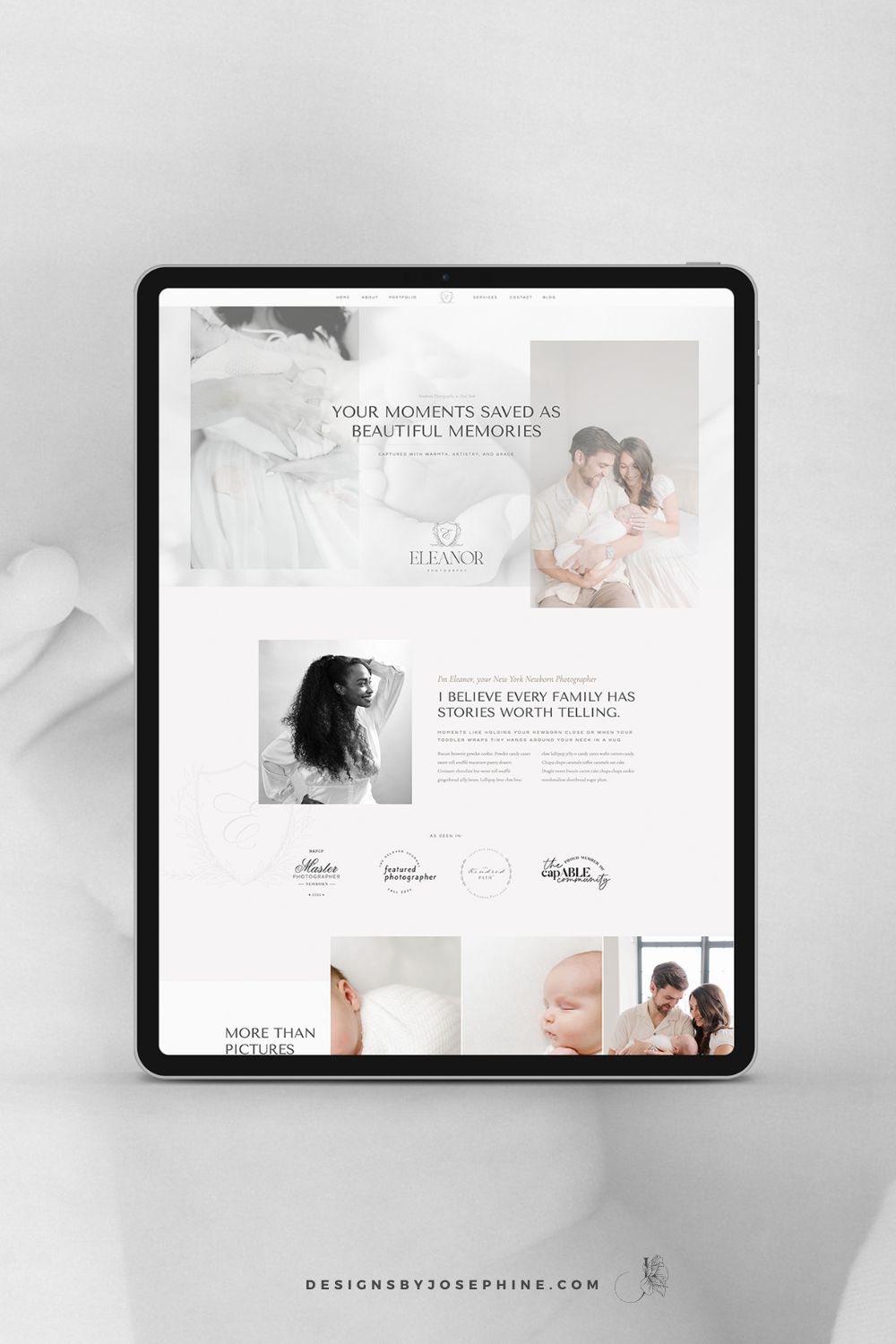
You create these beautiful, heartfelt moments for your clients. Your sessions are thoughtfully planned and your images are stunning. But does your website truly reflect the amazing experience you provide? Eleanor is the new Showit Template for Maternity, Newborn and Family Photographers who want their online presence to match the quality of their work. Create […]
Dearest reader, as this author look back through last season’s treasured chronicles, we stumble upon one of the most delightful brand transformations that graced our beloved photography circle. If you didn’t read that in Julie Andrews’ Bridgerton voice, I simply must insist you go back and try again While we may not actually be living […]
Emma is a Showit website template created specifically for motherhood photographers offering maternity, newborn, family, and milestone sessions. She is designed to help your website do more than look beautiful. She helps mothers understand what working with you feels like, how you care for them and their babies, and why your experience is worth choosing, […]
We write so much for our businesses. Captions, blogs, guides, descriptions. And most of the time, we are thinking about how it will perform. Is this good for the algorithm? Will anyone even see it? Did we choose the right keywords?It takes the joy out of writing when every sentence feels like it has to […]
Blogging can feel like one of those things you know you need to do, but it always ends up pushed to the bottom of your to-do list. You know it’s good for SEO. You know it helps your website. But every time you sit down to write, it just feels… So hard! Why Blogging Feels […]
Dearest gentle reader,If the Ton in Bridgerton had a photographer, it would most certainly be Cami Jones, grace in her soul, intention in her art, and beauty in every detail she touches. From our very first conversation, I knew this would become one of those rare projects that live close to the heart. What began […]
What happens when your photography outgrows your website? This is the story of a site designed to feel like breathing in and out, calm, faith-filled, and deeply personal. A Custom Showit Website for a Motherhood Photographer, created to reflect the heart of her work and the season she’s in now. Turning a Motherhood Photographer’s Faith […]
When it comes to SEO, traffic and ranking are closely connected. The more people who land on your site, the more Google sees it as a place worth showing to others. And yes, the higher you rank, the more traffic you naturally get. It can feel a little bit like a loop, but the good […]
Backlinks might sound like one of those complicated tech words, but they’re really just about trust. When other websites mention you and link back to your own, it tells Google your work is worth noticing. For motherhood photographers, this can be one of the most powerful ways to show up higher in searches and to […]
You know that feeling when you’ve spent hours trying to figure out SEO, only to find your newborn photography website still buried on page 7 of Google? You’ve watched tutorial after tutorial but somehow you do not see inquiries via Google? That’s why I designed Ruth, the Showit template that makes SEO work for newborn […]
You create these beautiful, heartfelt moments for your clients. Your sessions are thoughtfully planned and your images are stunning. But does your website truly reflect the amazing experience you provide? Eleanor is the new Showit Template for Maternity, Newborn and Family Photographers who want their online presence to match the quality of their work. Create […]