

Should You Add Your Instagram Feed to the Footer of Your Photography Website?
If you should add your Instagram feed to the footer of your photography website is a question I often get, and honestly, there’s no one-size-fits-all answer. But that’s okay because, in this post, we’re going to talk through it together. By the end, I hope you’ll have a clearer idea of what’s right for your website, your style, and, most importantly, your business goals. So, grab a coffee (or tea, if that’s your thing), and let’s dive in!

Let’s Start with Your Photography Website Marketing Strategy
Before we get into the nitty-gritty of Instagram feeds, let’s talk about the bigger picture—your marketing strategy for your photography website. Yes, I know “strategy” sounds a bit corporate, but let me explain.
It’s super important to know how your potential clients find you, get in contact with you, and how you ensure they get all the information they need to make the decision to inquire with you.
Are most of your visitors finding your photography website through Google? If so, your site is probably doing a lot of the heavy lifting—showing them your work, letting them know you better, informing them about your different packages, and encouraging them to contact you.
But what if they’re coming from Instagram first? In that case, your site might be more like where you send them to find more information about your services after getting a taste of you and your work by following you on Instagram.
Understanding this flow is critical because it’ll help you decide whether having your Instagram feed on your site makes sense or if it might actually derail the journey you want them to take.
The Instagram Distraction Dilemma for Your Photography Website
Okay, here’s the thing—Instagram is addictive. We all know it. You click on one photo, and before you know it, you’ve scrolled through half a dozen accounts, checked your DMs, and maybe even forgotten why you opened the app in the first place.
Now, imagine that happening to someone on your photography website. They’re scrolling through your beautiful work, connecting with your values, and feeling they want what you offer them.
Then they reach the footer, see your Instagram feed, click on it, and poof—they’re gone, lost in the sea of notifications and cute cat videos.
Sure, they might return to your site, but do you really want to take that chance? When someone is on your photography website, the goal is to keep them there, soaking in your content and hopefully reaching out to book a session.
Adding an Instagram feed to your footer might seem harmless, but it could be a sneaky little exit door that leads them away from what really matters—connecting with you.
Aesthetics Are Important for Your Photography Website—But So Is Engagement
I get it, Instagram feeds are pretty, especially if you’re a photographer who thrives on visuals. Plus, it’s like having a mini gallery that updates itself.
But here’s the catch—while it looks good, is it doing good for your business?
If you’re someone who can’t resist the visual appeal, there’s a compromise you might like. You can showcase some of your Instagram-style photos in the footer without linking them to Instagram. This way, you get the aesthetic boost without the risk of leading people away from your site. It’s all about finding that sweet spot where form meets function.
Thinking About Your Photography Business: What’s the Best Move?
So, how do you decide? It comes down to a few things. First, how active are you on Instagram, and how much does it tie into your photography business? If you’re posting regularly and your content is more than just pretty pictures—say, you’re sharing tips, behind-the-scenes looks, or educational posts that add real value—then maybe a link to Instagram in your footer isn’t such a bad idea. After all, if people are getting something useful out of it that leads them to make the decision to book a session with you, go ahead.
But you might want to think twice if your Instagram is more of a side portfolio with just your best shots and minimal interaction.
The phycology behind different types of links on your photography website
I’m not saying you shouldn’t have any links to your Instagram at all on your website. Still, instead of adding a clickable feed, it might be enough to add a simple link to your account.
It’s actually psychology behind different types of links. Clicking on a photo, they might just want to see it larger or learn more about that specific session. But if they click on an Instagram link, they’re consciously deciding to leave your site and dive into the world of social media. That’s a big difference and something worth considering when designing your photography website footer.
Don’t you ever do this
I’m always very careful telling you exactly what to do or not. But never, ever add your links to Instagram only to get more followers!
Your goal should be to get new clients and not more followers. Sure, one thing doesn’t exclude another. But when you have people on your website, that is the best place for them to be as it’s where you have more control over the experience and the journey you’re leading them towards booking a session with you.
The Impact on Website Load Time and SEO
One aspect often overlooked is how adding an Instagram feed can impact your website’s load time. If your feed loads images and content directly from Instagram, it could slow down your site, especially on mobile devices.
A slower site can lead to higher bounce rates, where visitors leave before your page fully loads, and it can even negatively affect your SEO rankings on Google.
Conclusion. Should You Add Your Instagram Feed to the Footer of Your Photography Website?
At the end of the day, whether you add your Instagram feed to your photography website’s footer or not is entirely up to you. There’s no right or wrong answer, just what’s right for your business. Think about how your clients find you, how they interact with your content, and what you want them to do when they’re on your site.
Take a moment to reflect on your overall goals and what feels authentic to you. Your photography website is an extension of your creative vision, so it’s important that every element, including whether or not you display your Instagram feed, aligns with how you want to connect with your audience. Trust your instincts on what will keep visitors engaged and eager to explore more of your work.
So, what’s it going to be? Will you keep your site Instagram-free, or are you going to add that little pop of social media flair to your footer? Whatever you choose, make sure it feels right for you and helps your business grow. And remember, if you ever need to chat more about your photography website, I’m just a message away.
read more…
Leave a Reply
Other really good blog posts
You know you should be emailing your list, and you’ve probably even sat down to write, but ended up overthinking it until it felt easier to just not send anything at all. What do you even say if you’re not selling something? And when you do send an email, it often ends up being about […]
Dearest reader, as this author look back through last season’s treasured chronicles, we stumble upon one of the most delightful brand transformations that graced our beloved photography circle. If you didn’t read that in Julie Andrews’ Bridgerton voice, I simply must insist you go back and try again While we may not actually be living […]
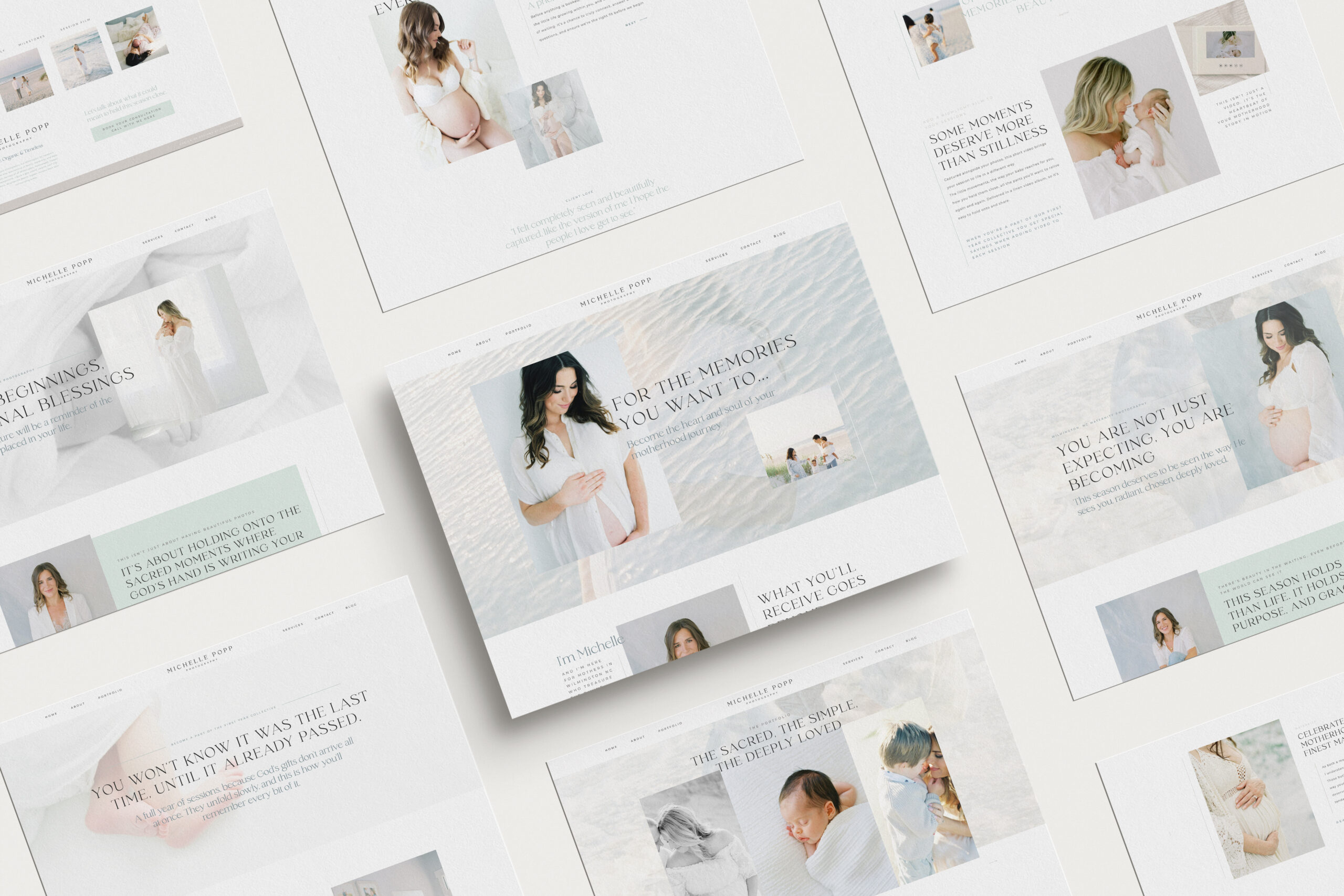
Emma is a Showit website template created specifically for motherhood photographers offering maternity, newborn, family, and milestone sessions. She is designed to help your website do more than look beautiful. She helps mothers understand what working with you feels like, how you care for them and their babies, and why your experience is worth choosing, […]

We write so much for our businesses. Captions, blogs, guides, descriptions. And most of the time, we are thinking about how it will perform. Is this good for the algorithm? Will anyone even see it? Did we choose the right keywords?It takes the joy out of writing when every sentence feels like it has to […]
Blogging can feel like one of those things you know you need to do, but it always ends up pushed to the bottom of your to-do list. You know it’s good for SEO. You know it helps your website. But every time you sit down to write, it just feels… So hard! Why Blogging Feels […]

Dearest gentle reader,If the Ton in Bridgerton had a photographer, it would most certainly be Cami Jones, grace in her soul, intention in her art, and beauty in every detail she touches. From our very first conversation, I knew this would become one of those rare projects that live close to the heart. What began […]
What happens when your photography outgrows your website? This is the story of a site designed to feel like breathing in and out, calm, faith-filled, and deeply personal. A Custom Showit Website for a Motherhood Photographer, created to reflect the heart of her work and the season she’s in now. Turning a Motherhood Photographer’s Faith […]
When it comes to SEO, traffic and ranking are closely connected. The more people who land on your site, the more Google sees it as a place worth showing to others. And yes, the higher you rank, the more traffic you naturally get. It can feel a little bit like a loop, but the good […]

Backlinks might sound like one of those complicated tech words, but they’re really just about trust. When other websites mention you and link back to your own, it tells Google your work is worth noticing. For motherhood photographers, this can be one of the most powerful ways to show up higher in searches and to […]

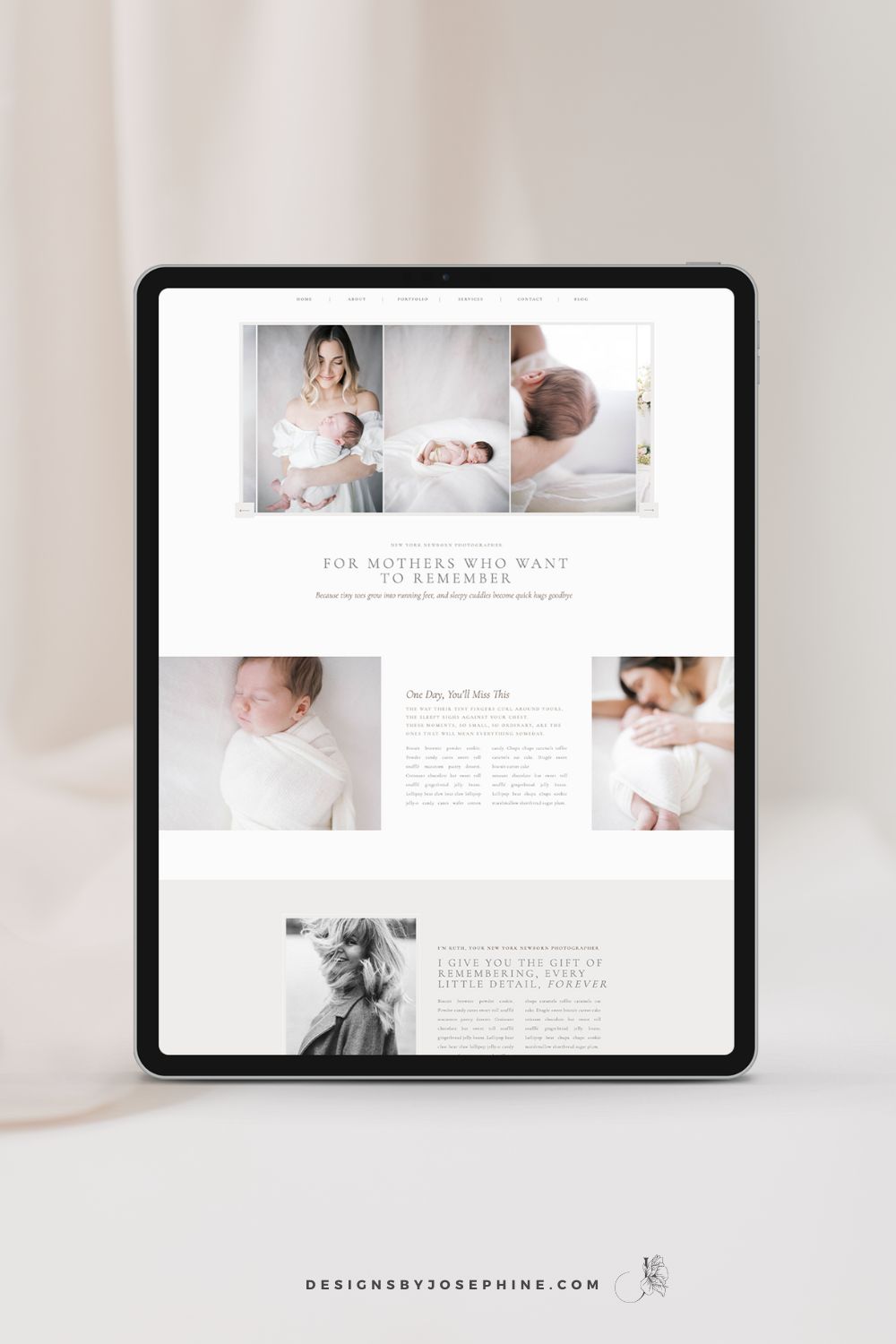
You know that feeling when you’ve spent hours trying to figure out SEO, only to find your newborn photography website still buried on page 7 of Google? You’ve watched tutorial after tutorial but somehow you do not see inquiries via Google? That’s why I designed Ruth, the Showit template that makes SEO work for newborn […]
You know you should be emailing your list, and you’ve probably even sat down to write, but ended up overthinking it until it felt easier to just not send anything at all. What do you even say if you’re not selling something? And when you do send an email, it often ends up being about […]
Dearest reader, as this author look back through last season’s treasured chronicles, we stumble upon one of the most delightful brand transformations that graced our beloved photography circle. If you didn’t read that in Julie Andrews’ Bridgerton voice, I simply must insist you go back and try again While we may not actually be living […]
Emma is a Showit website template created specifically for motherhood photographers offering maternity, newborn, family, and milestone sessions. She is designed to help your website do more than look beautiful. She helps mothers understand what working with you feels like, how you care for them and their babies, and why your experience is worth choosing, […]
We write so much for our businesses. Captions, blogs, guides, descriptions. And most of the time, we are thinking about how it will perform. Is this good for the algorithm? Will anyone even see it? Did we choose the right keywords?It takes the joy out of writing when every sentence feels like it has to […]
Blogging can feel like one of those things you know you need to do, but it always ends up pushed to the bottom of your to-do list. You know it’s good for SEO. You know it helps your website. But every time you sit down to write, it just feels… So hard! Why Blogging Feels […]
Dearest gentle reader,If the Ton in Bridgerton had a photographer, it would most certainly be Cami Jones, grace in her soul, intention in her art, and beauty in every detail she touches. From our very first conversation, I knew this would become one of those rare projects that live close to the heart. What began […]
What happens when your photography outgrows your website? This is the story of a site designed to feel like breathing in and out, calm, faith-filled, and deeply personal. A Custom Showit Website for a Motherhood Photographer, created to reflect the heart of her work and the season she’s in now. Turning a Motherhood Photographer’s Faith […]
When it comes to SEO, traffic and ranking are closely connected. The more people who land on your site, the more Google sees it as a place worth showing to others. And yes, the higher you rank, the more traffic you naturally get. It can feel a little bit like a loop, but the good […]
Backlinks might sound like one of those complicated tech words, but they’re really just about trust. When other websites mention you and link back to your own, it tells Google your work is worth noticing. For motherhood photographers, this can be one of the most powerful ways to show up higher in searches and to […]
You know that feeling when you’ve spent hours trying to figure out SEO, only to find your newborn photography website still buried on page 7 of Google? You’ve watched tutorial after tutorial but somehow you do not see inquiries via Google? That’s why I designed Ruth, the Showit template that makes SEO work for newborn […]