

How to add Image Titles and Alt-Text for SEO on your Photography Website
SEO is the number one thing my photographer clients are stressed about. And I get it, SEO is such a blurry and un-understandable thing to manage.
But as a photographer, your pictures are important not only for you to showcase your work but also a significant part of your SEO.
Giving your pictures a correct Image Title and a descriptive Alt-Text is a very effective attribute to your photography website.
In this blog post, I will tell you how to add Image Titles and Alt-Text for SEO on your photography website and give you examples (both good and bad), to make it simple for you to understand how to do it yourself.

Pictures are essential for the SEO on your photography website
Compared to other industries, the pictures on a photography website play a more prominent role. On other websites, they have a more decorative purpose and is there to give a specific feeling. But for a photographer, the pictures are mainly there to showcase your work.
But they also play a big part in your photography website’s SEO in two ways:
The first is image search. It’s much more likely that potential clients who are looking for a photographer will do an image search to find a photographer who takes the type of pictures they want, so you want your pictures to show up even in the image search tab for relevant searches.
The second is your overall website SEO. By correctly naming your pictures, it will support other SEO settings and give a cohesive message, making it easier for Google to understand what your website is all about.
How to optimize the pictures for SEO
There are two attributes to work with when optimizing your pictures. It’s about giving them an Image Title and providing them an Alt-Text.
How this should be done is explained in this guide that Google themself provides.
Since their text is quite technical and challenging to understand, I have translated it for you to make it more understandable.
Let us start with the basics:
File name = Name of the file (the same as when you are saving or downloading the file)
Alt-Text = Description of what’s on the picture. How should you describe the picture to someone who can’t see it?
TITLE:
The title is not the most crucial factor for your SEO. But since Google is crawling all information on your website, your title can help clarify what your website is all about.
Google suggests you add titles and that they should be short and descriptive.
Give your image titles names that describe what’s on the image, but don’t give the same title to every picture and avoid long names like;
“Wedding-Photographer-New-York-Spring-Wedding-In-Central-Park.jpg”
Please also note that it’s easier for Google to read when using hyphens between the words.
wedding-dress-by-vera-wang.jpg is easier to read than weddingdressbyverawang.jpg
Examples:
– Bad: DSC_456789.jpg
– Bad: Johanandchristine12.jpg
– Bad: Amanda-Photography-Johan-Christine-Central-Park-Wedding-NewYork56.jpg
– Good: Bride-and-groom-sharing-a-toast.jpg
ALT-TEXT:
Google self confirms it’s the Alt-Text, together with their vision algorithms, that helps to understand the subject matter of an image.
But the Alt-text does more for you.
If your pictures can’t be shown for some reason (slow internet connection or similar) or someone viewing your site using assistive technologies, such as a screen reader, the Alt-text is shown.
As Google premiers high-quality content, which is decided by different factors like user-friendliness (showing a descriptive text when pictures can’t load), length of content, use of keywords, and accessibility (use of screen readers, for example), the Alt-text is essential for the SEO for your photography website out of many aspects.
So, how do you write the alt-text?
The principles are the same as for the title: short and descriptive. A good rule of thumb is, how would you explain the picture to someone who cannot see it?
Examples:
– Bad: New York Wedding Photos New York Photographer
– Bad: Amanda Photography New York Wedding Photographer
– Better: New York Wedding Photographer
– Better: Wedding Portrait taken in a Snowy Central Park in New York City
– Best: Wedding Portrait taken in a Snowy Central Park in New York City with the bride in a creamy long dress
How to add Image Titles and Alt-Text for SEO on your photography website
When working with those settings on your website, it can look and be named a bit differently. If you are unsure, Google how to do it for your specific website platform.
Here, I show how to do it in the Showit website editor.
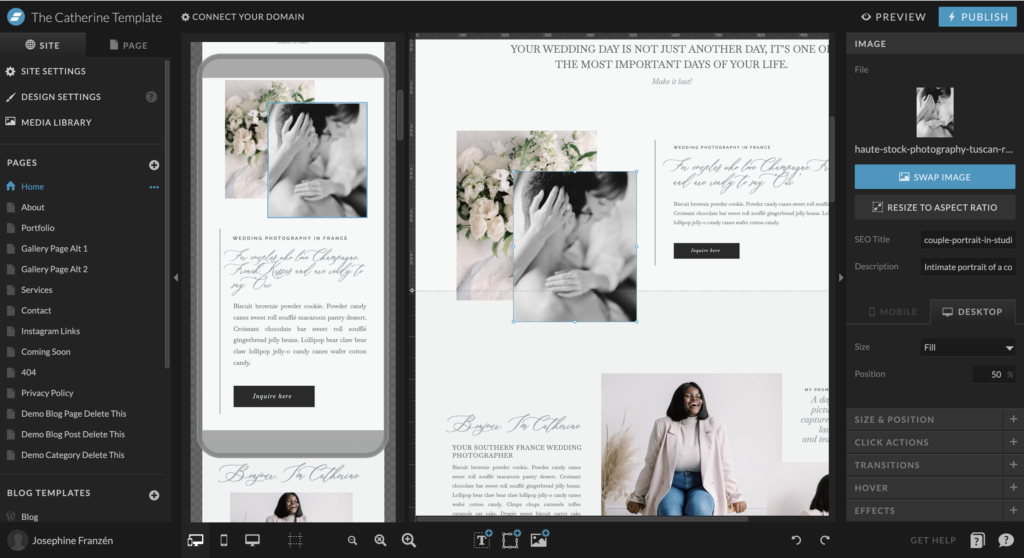
Select the picture you want to optimize, and when you click on it, a new menu appears on the right side. Under SEO Title, you add your title, and under Description, you add your Alt-text.
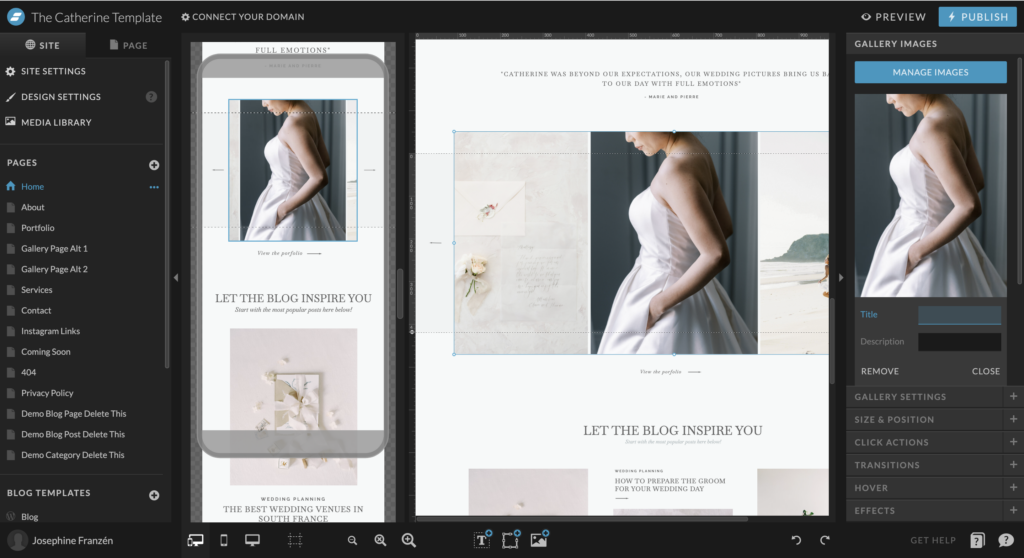
Optimizing your pictures added to a Gallery, you click on the gallery, and in the menu on the right side, you click on the tab for gallery settings. There, you will see all the pictures added to that gallery. When selecting one picture, the settings for Image Title and Alt-Text will be visible.
Tutorials are shown with the help of my Catherine Showit template.
Image size also matters when it comes to SEO for your photography website.
If you use Showit for your website and only upload jpg-files, Showit will optimize the size automatically.
Note that this is not happening on your blog. There, you need to upload pictures that are already in the correct size.
The recommendation for the image size is that the longest side of the picture shouldn’t be larger than 2500px.
A hack for all photographers is to do this by downloading your pictures in web format from your gallery provider, from the same gallery you send to your clients.
Here below is more information about how to do that from the three most popular galley services. All three have options to download with the size of 2048px on the longest side.
The most challenging part when naming your pictures for SEO on your photography website
Optimizing all your images on your photography website, takes time, as you not only add one or two pictures.
You have full galleries with many pictures, many of them describing similar things as they are taken at the same place, in the same situation, and with the same people.
It is important to remember to avoid adding the same title and meta text to all pictures, even if it’s tempting to speed up the process when naming a whole gallery.
Even if keywords are important, avoid keyword stuffing. But as long as you focus on describing each picture individually, instead of thinking of what keywords to add, I’m sure you will find it more manageable.
Remember, it’s better to give it a try than avoid it entirely because it feels too complicated or you are afraid of doing it wrong.
A tip is to read this blog post. It’s about how you can work with your portfolio and the importance of not adding too many pictures in one gallery.
My advice is to start somewhere.
Take the best five pictures from each gallery and spend time updating the title and Alt-text. Then, go back and do the rest later.
Another tip is to spend most of the time on the Alt-text, as it’s a bit more critical than the title when it comes to SEO.
As I mentioned earlier, when someone is looking for a photographer, it’s more likely that person will do an image search, so the words or phrases that potential clients you want to work with might type in the search bar is an excellent thing to keep in mind. More important to keep in mind is only to mention information that is relevant for that specific picture in the Alt-text.
Conclusion of How to add Image Titles and Alt-Text for SEO on your Photography Website
- Don’t use the exact same Alt-text for all pictures on one page. Even if the photos are very similar and the same type of work is accurate for more than one picture, try to write the text differently for each picture.
- Keep it short, around 15-20 words, and write in whole sentences and avoid just placing a list of keywords after each other. Write just as you should explain the picture to someone who can’t see it.
Please find examples below of good and bad Image Titles and Alt-texts:
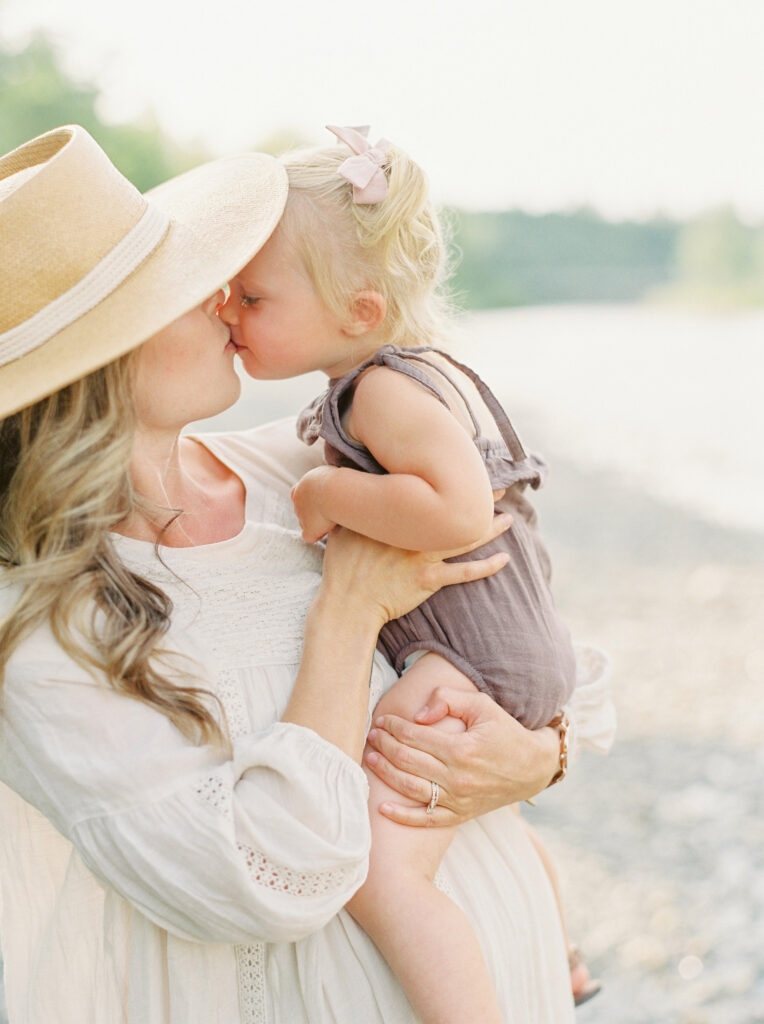
Bad:
Title: Johnsonfamily17.jpg
Alt-text: Amanda Photography Family photographer in Sydney
Good:
Title: Mother and daughter at the beach
Alt-text: Family picture of mother and toddler sharing a kiss at Rose Bay Beach in Sydney
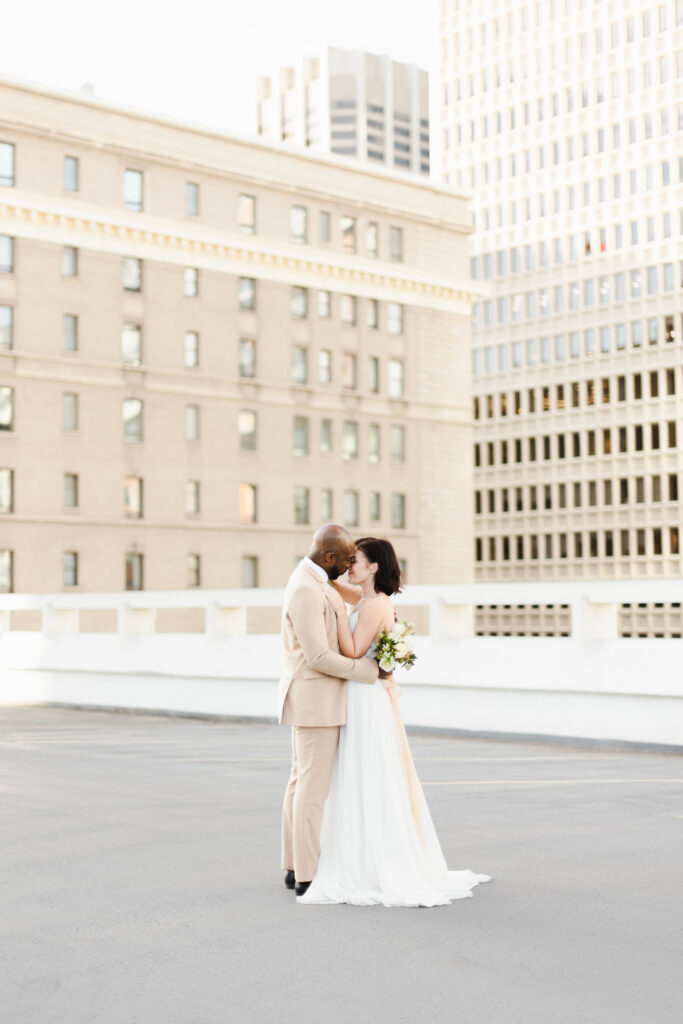
Bad:
Title: Liza-Ben-09.jpg
Alt-text: New York Wedding Photographer
Good:
Title: Wedding-couple–in-New-York
Alt-text: A wedding portrait of the bride and groom on a rooftop in New York sharing a kiss.
Want more tips for your SEO? Download my free guide, “Easy SEO Updated for Photographers”

read more
Leave a Reply
Other really good blog posts
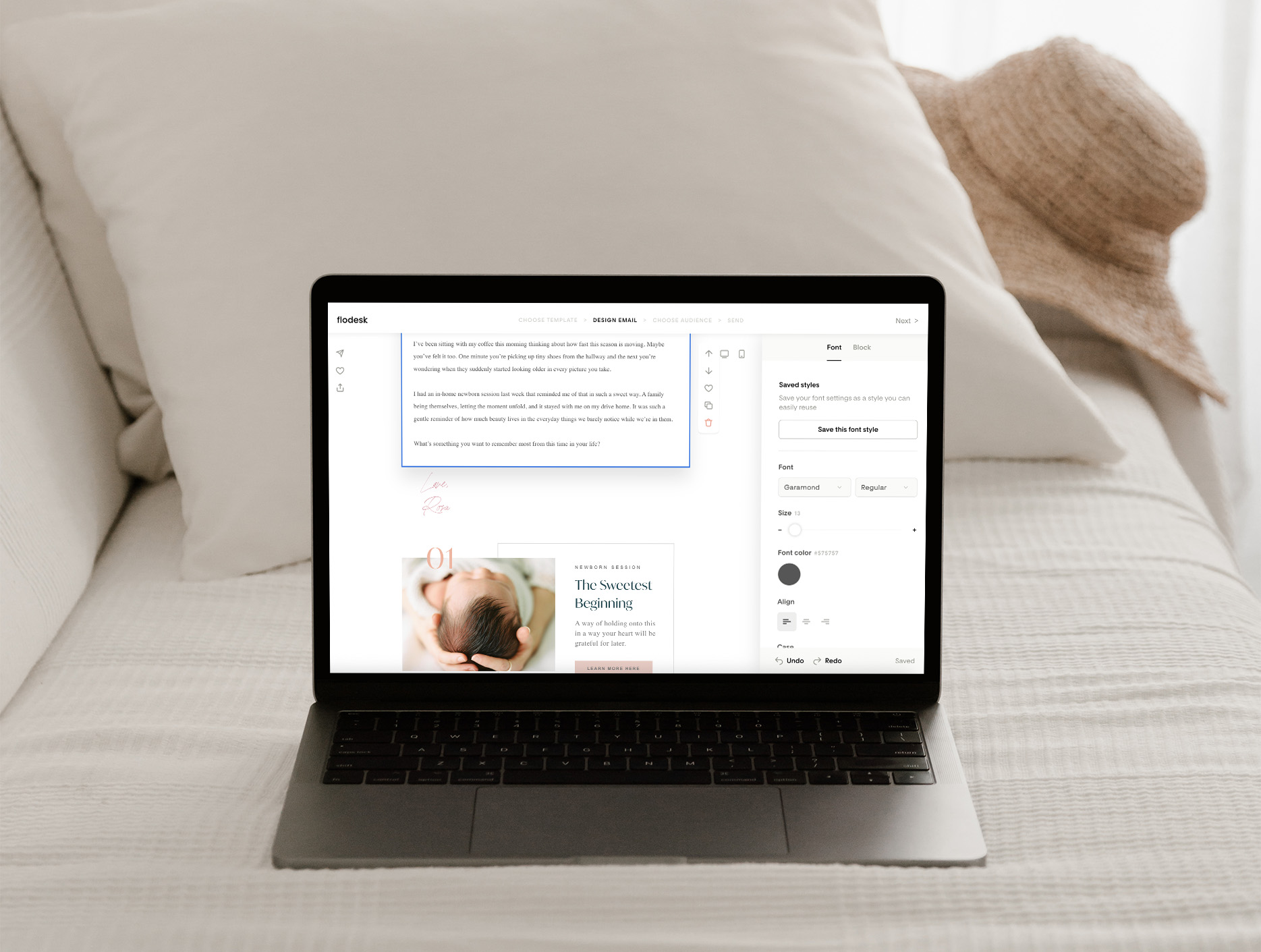
You know you should be emailing your list, and you’ve probably even sat down to write, but ended up overthinking it until it felt easier to just not send anything at all. What do you even say if you’re not selling something? And when you do send an email, it often ends up being about […]
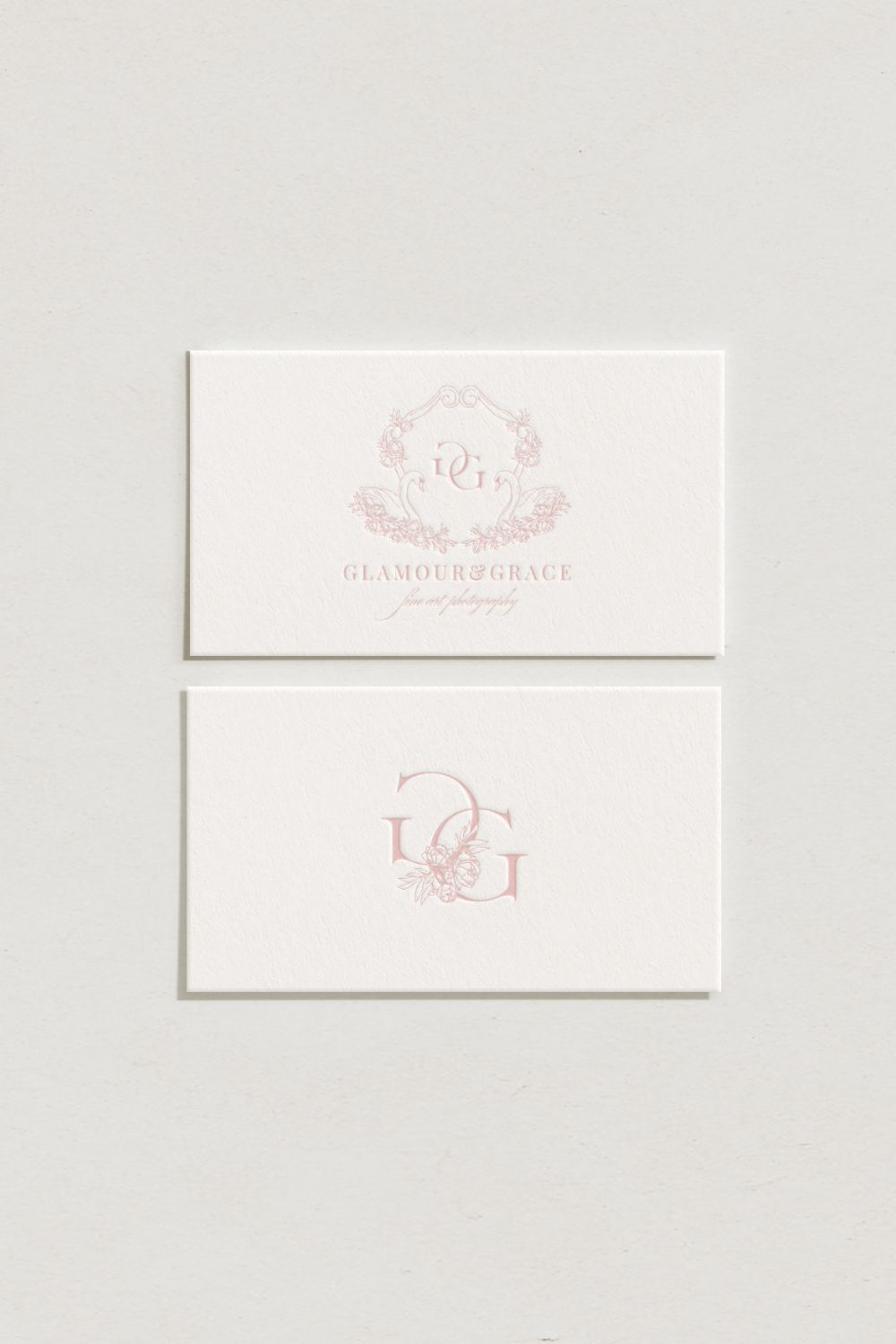
Dearest reader, as this author look back through last season’s treasured chronicles, we stumble upon one of the most delightful brand transformations that graced our beloved photography circle. If you didn’t read that in Julie Andrews’ Bridgerton voice, I simply must insist you go back and try again While we may not actually be living […]
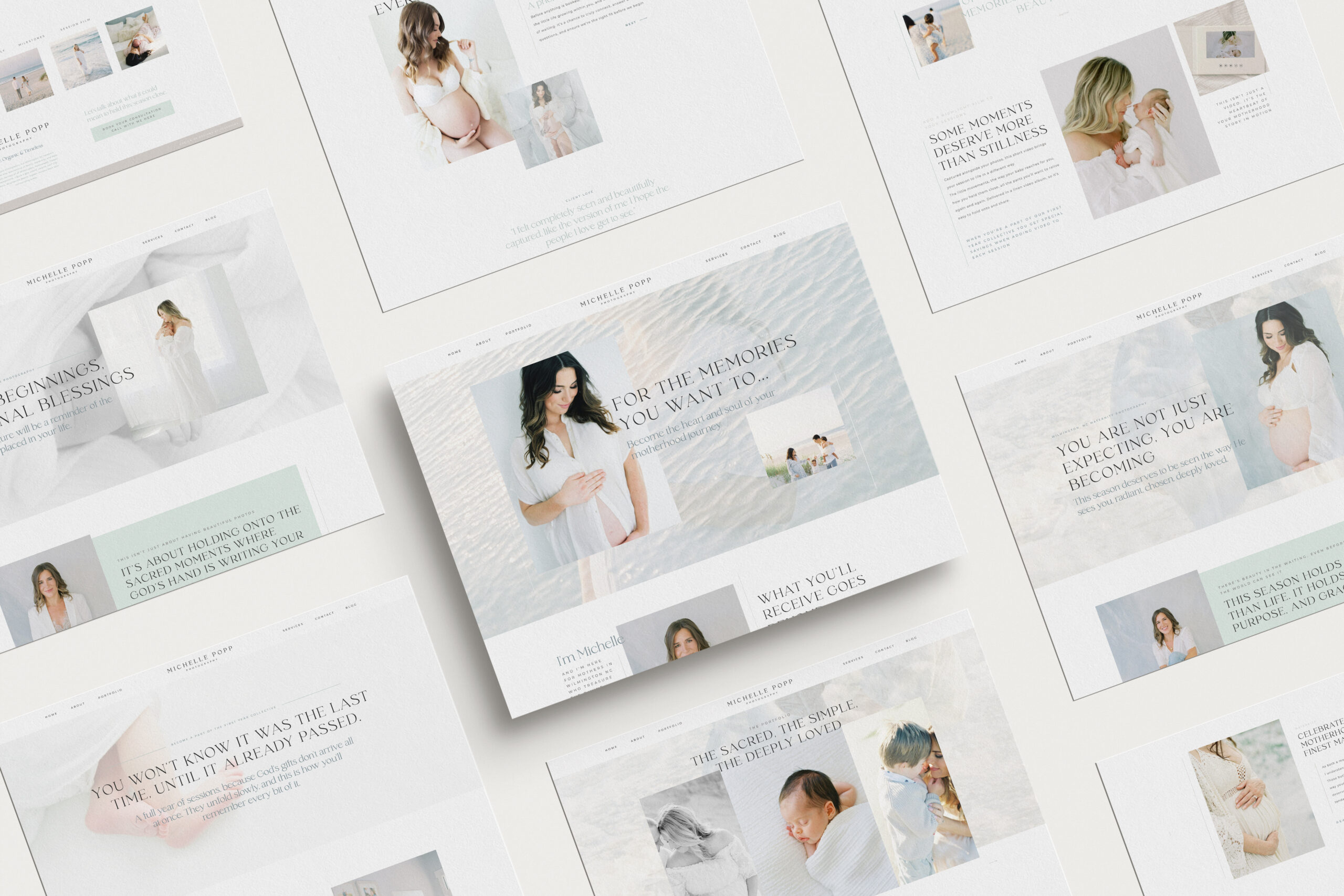
Emma is a Showit website template created specifically for motherhood photographers offering maternity, newborn, family, and milestone sessions. She is designed to help your website do more than look beautiful. She helps mothers understand what working with you feels like, how you care for them and their babies, and why your experience is worth choosing, […]

We write so much for our businesses. Captions, blogs, guides, descriptions. And most of the time, we are thinking about how it will perform. Is this good for the algorithm? Will anyone even see it? Did we choose the right keywords?It takes the joy out of writing when every sentence feels like it has to […]
Blogging can feel like one of those things you know you need to do, but it always ends up pushed to the bottom of your to-do list. You know it’s good for SEO. You know it helps your website. But every time you sit down to write, it just feels… So hard! Why Blogging Feels […]

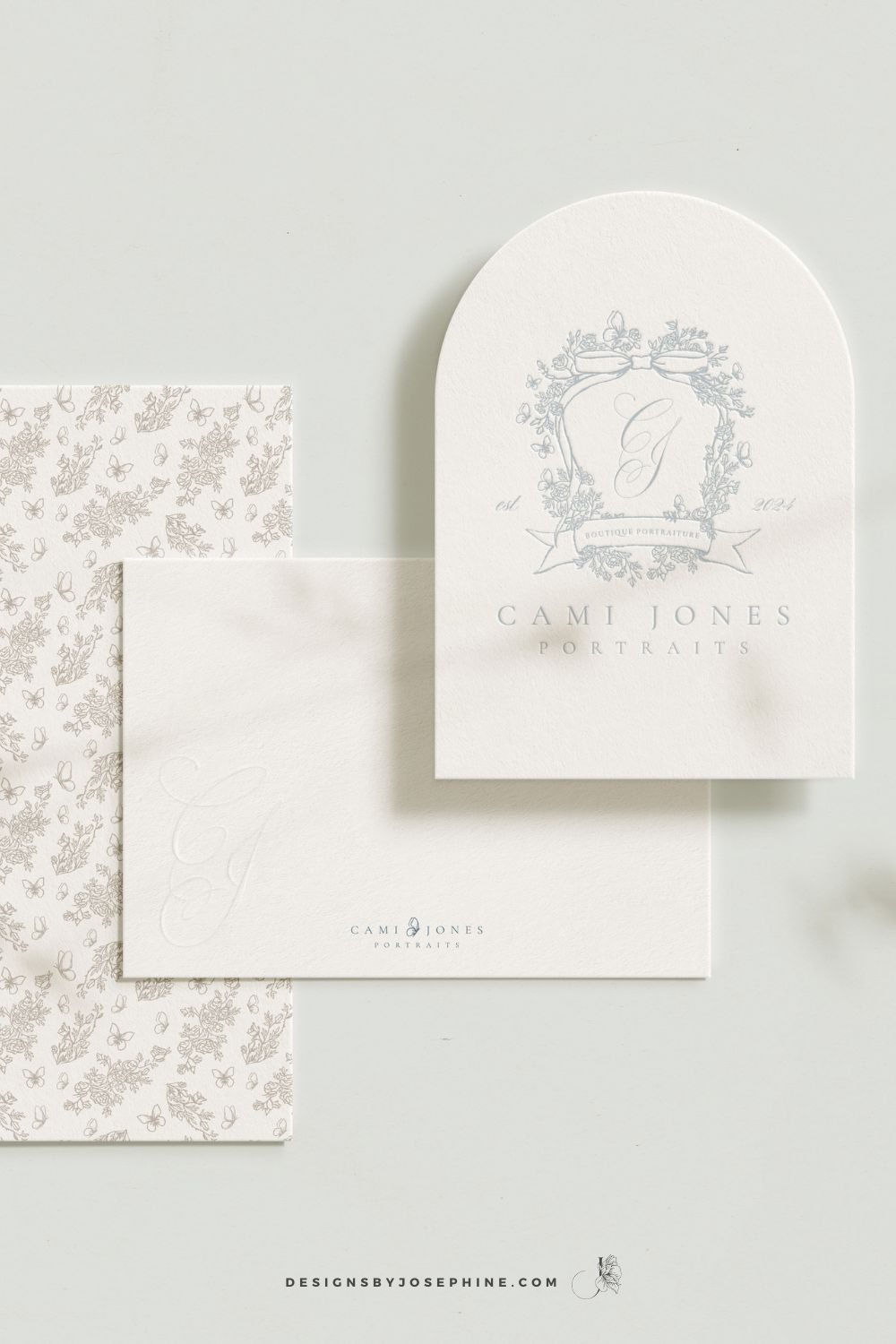
Dearest gentle reader,If the Ton in Bridgerton had a photographer, it would most certainly be Cami Jones, grace in her soul, intention in her art, and beauty in every detail she touches. From our very first conversation, I knew this would become one of those rare projects that live close to the heart. What began […]
What happens when your photography outgrows your website? This is the story of a site designed to feel like breathing in and out, calm, faith-filled, and deeply personal. A Custom Showit Website for a Motherhood Photographer, created to reflect the heart of her work and the season she’s in now. Turning a Motherhood Photographer’s Faith […]
When it comes to SEO, traffic and ranking are closely connected. The more people who land on your site, the more Google sees it as a place worth showing to others. And yes, the higher you rank, the more traffic you naturally get. It can feel a little bit like a loop, but the good […]

Backlinks might sound like one of those complicated tech words, but they’re really just about trust. When other websites mention you and link back to your own, it tells Google your work is worth noticing. For motherhood photographers, this can be one of the most powerful ways to show up higher in searches and to […]

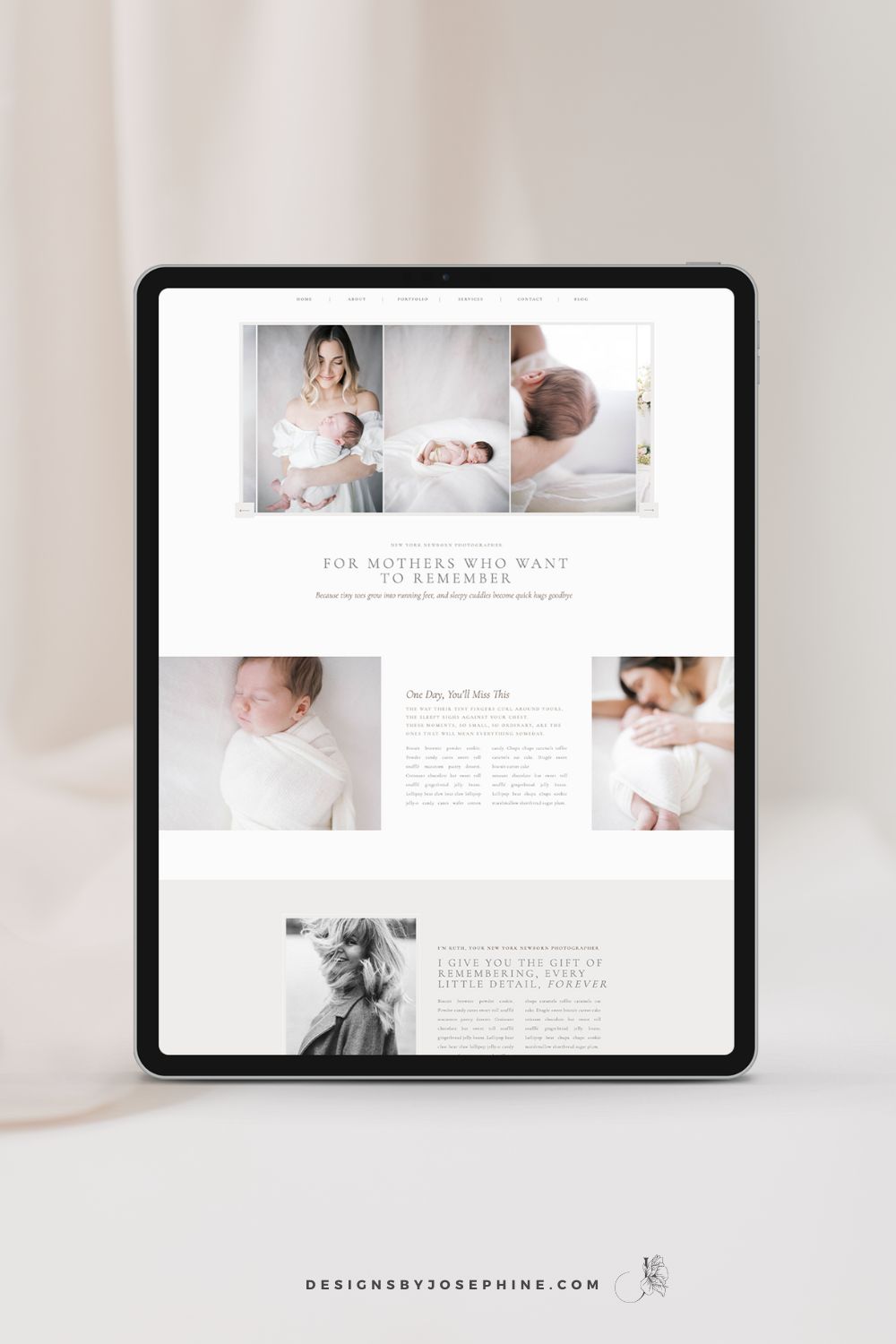
You know that feeling when you’ve spent hours trying to figure out SEO, only to find your newborn photography website still buried on page 7 of Google? You’ve watched tutorial after tutorial but somehow you do not see inquiries via Google? That’s why I designed Ruth, the Showit template that makes SEO work for newborn […]
You know you should be emailing your list, and you’ve probably even sat down to write, but ended up overthinking it until it felt easier to just not send anything at all. What do you even say if you’re not selling something? And when you do send an email, it often ends up being about […]
Dearest reader, as this author look back through last season’s treasured chronicles, we stumble upon one of the most delightful brand transformations that graced our beloved photography circle. If you didn’t read that in Julie Andrews’ Bridgerton voice, I simply must insist you go back and try again While we may not actually be living […]
Emma is a Showit website template created specifically for motherhood photographers offering maternity, newborn, family, and milestone sessions. She is designed to help your website do more than look beautiful. She helps mothers understand what working with you feels like, how you care for them and their babies, and why your experience is worth choosing, […]
We write so much for our businesses. Captions, blogs, guides, descriptions. And most of the time, we are thinking about how it will perform. Is this good for the algorithm? Will anyone even see it? Did we choose the right keywords?It takes the joy out of writing when every sentence feels like it has to […]
Blogging can feel like one of those things you know you need to do, but it always ends up pushed to the bottom of your to-do list. You know it’s good for SEO. You know it helps your website. But every time you sit down to write, it just feels… So hard! Why Blogging Feels […]
Dearest gentle reader,If the Ton in Bridgerton had a photographer, it would most certainly be Cami Jones, grace in her soul, intention in her art, and beauty in every detail she touches. From our very first conversation, I knew this would become one of those rare projects that live close to the heart. What began […]
What happens when your photography outgrows your website? This is the story of a site designed to feel like breathing in and out, calm, faith-filled, and deeply personal. A Custom Showit Website for a Motherhood Photographer, created to reflect the heart of her work and the season she’s in now. Turning a Motherhood Photographer’s Faith […]
When it comes to SEO, traffic and ranking are closely connected. The more people who land on your site, the more Google sees it as a place worth showing to others. And yes, the higher you rank, the more traffic you naturally get. It can feel a little bit like a loop, but the good […]
Backlinks might sound like one of those complicated tech words, but they’re really just about trust. When other websites mention you and link back to your own, it tells Google your work is worth noticing. For motherhood photographers, this can be one of the most powerful ways to show up higher in searches and to […]
You know that feeling when you’ve spent hours trying to figure out SEO, only to find your newborn photography website still buried on page 7 of Google? You’ve watched tutorial after tutorial but somehow you do not see inquiries via Google? That’s why I designed Ruth, the Showit template that makes SEO work for newborn […]