


Use Stock Videos for your video content
The algorithm just loves video content. And after that Instagram have confirmed that they will prioritize video content this topic has been more accurate than ever.
But creating videos can also be very overwhelming.

This blog post contains affiliate links.
But please note that I never, ever, give any advice and recommendations of anything that I don’t use myself and believe that others might love as much as I do.
And the links are for no extra cost for you.
Video Content will never go away
Even if it feels good that Instagram actually has told us something about how their algorithm works it was also with a feeling of overwhelm that many of us received the news.
Even if this wasn’t any surprising news at all, as we have seen that video content just takes more and more place in all social media platforms.
But creating video content is hard and very time-consuming.
I have earlier shown you how you can create Animated Reels in Canva, read that post here.
Perfect when you don’t want to show up in person or spend hours on video editing.
In this post, I will show you a great compliment to animated reels, and that is Stock Videos.
Yes, that is actually a thing!
Premade videos that are ready to use. Almost too good to be true? But I can tell you, it’s not!
Places to find them
If you start to search for it you will see that there are a lot of options out there, but here are my three favorite resources.
CANVA
Canva has a whole library of videos. Just search and you will probably find what you are looking for. Try to search for backgrounds in the elements tab and click for video results. They have videos for both free and pro users.
If you are a free user, use the filter to only view the free videos. Makes your search a bit easier.
HAUTE STOCK
My number one business resource has started to add Stock Videos to its already gorgeous library of Stock Photos.
I just love them, they are so feminine and soft, just how I like them. And just as with their photos, I love how the videos have the same style, it’s so easy to show up with a consistent style using their resources.
PEXELS
An amazing site with both videos and photos that are free to use. You don’t have to give credit to the creator but it’s always appreciated.
Stock Videos for your video content make it easy
For me who doesn’t really like video content as it takes too much of my time and with the fact that i don’t really like doing it I love this combination, of animated reels in Canva and Stock Videos.
It really takes away the overwhelm around video content! And I hope it will for you as well!
Here below you can watch a video that is made in Canva using Stock Videos from the different places mentioned above.
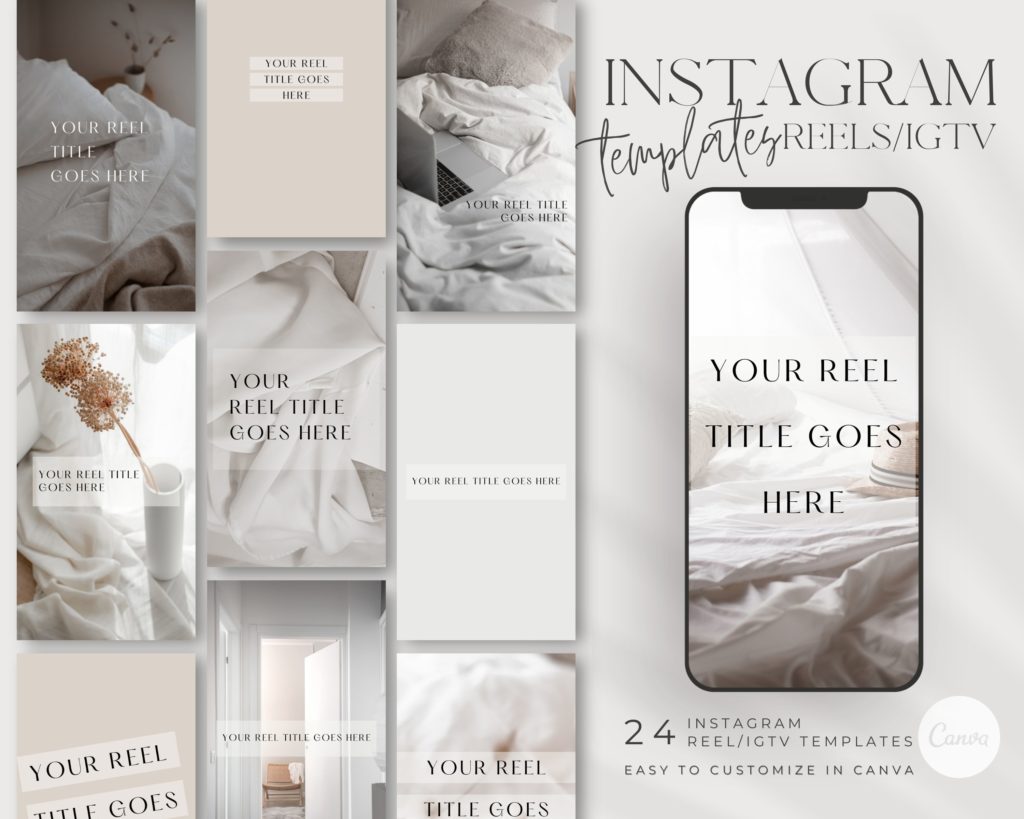
Reel Covers
If you need Covers for your Reels in order to make them look good in your feed, I got templates for you.
They are created so no text or information is cut out as Reels are shown in a different format depending on where on Instagram you are watching them.
read more…
Leave a Reply
Other really good blog posts
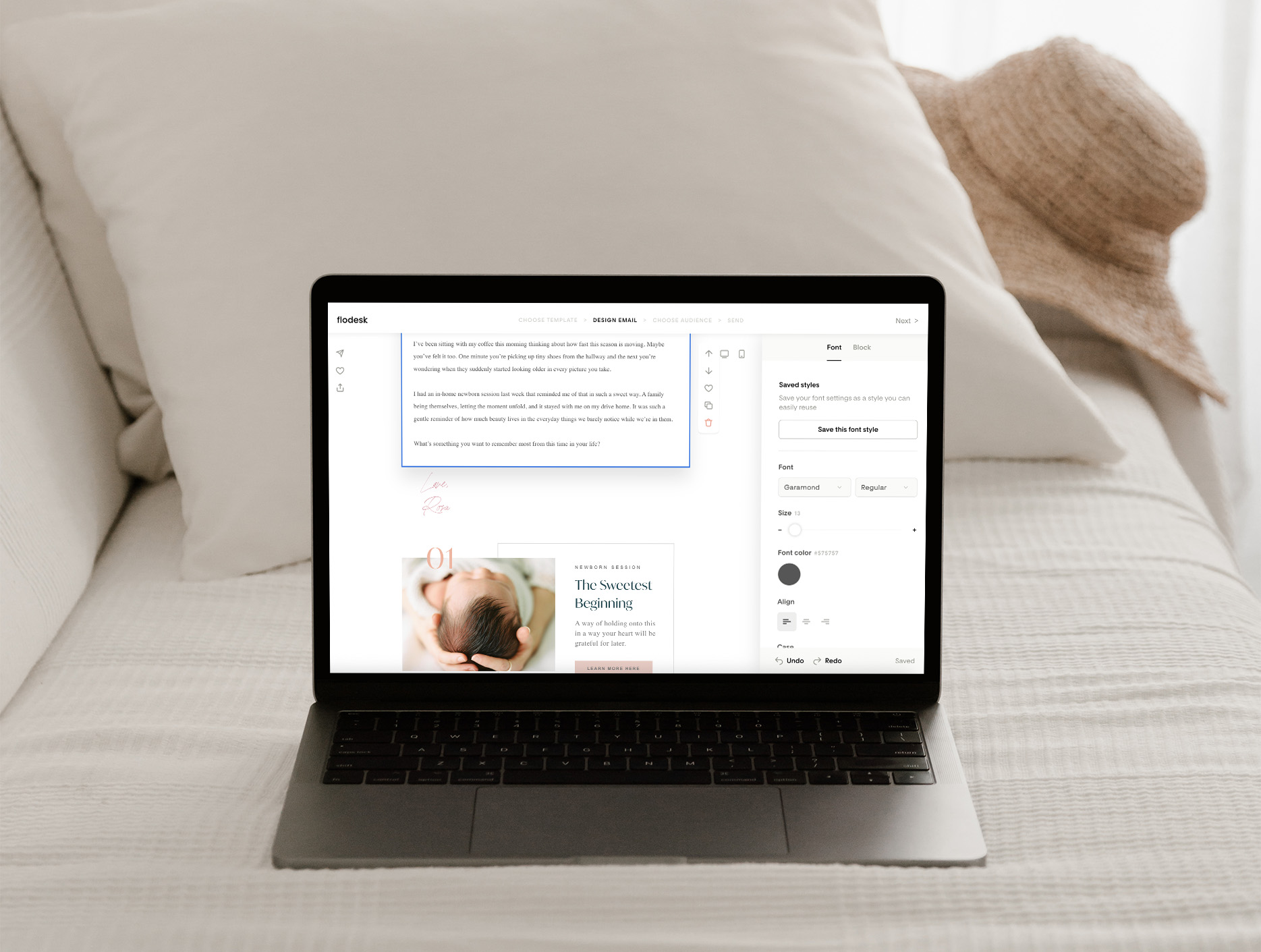
You know you should be emailing your list, and you’ve probably even sat down to write, but ended up overthinking it until it felt easier to just not send anything at all. What do you even say if you’re not selling something? And when you do send an email, it often ends up being about […]
Dearest reader, as this author look back through last season’s treasured chronicles, we stumble upon one of the most delightful brand transformations that graced our beloved photography circle. If you didn’t read that in Julie Andrews’ Bridgerton voice, I simply must insist you go back and try again While we may not actually be living […]
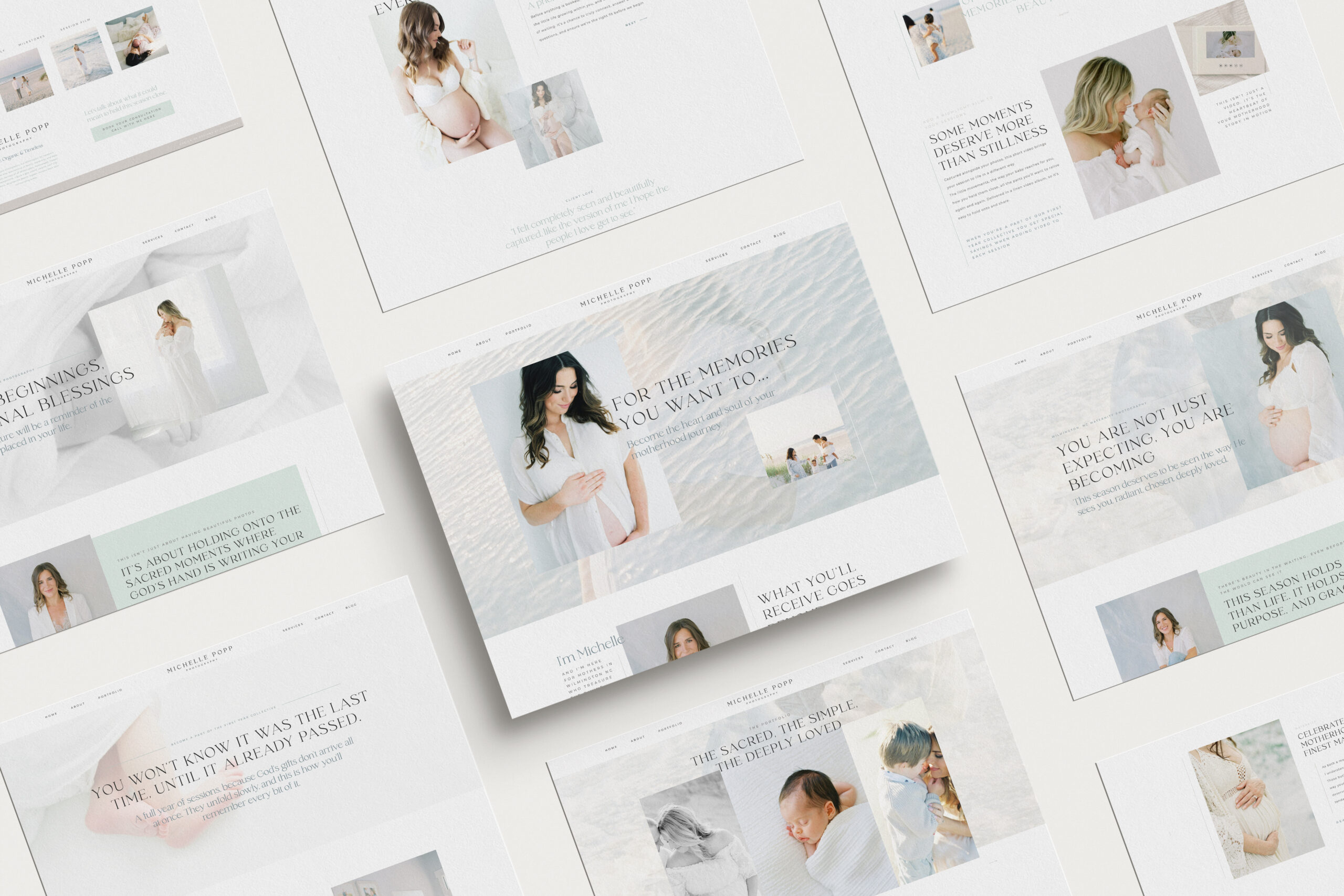
Emma is a Showit website template created specifically for motherhood photographers offering maternity, newborn, family, and milestone sessions. She is designed to help your website do more than look beautiful. She helps mothers understand what working with you feels like, how you care for them and their babies, and why your experience is worth choosing, […]

We write so much for our businesses. Captions, blogs, guides, descriptions. And most of the time, we are thinking about how it will perform. Is this good for the algorithm? Will anyone even see it? Did we choose the right keywords?It takes the joy out of writing when every sentence feels like it has to […]
Blogging can feel like one of those things you know you need to do, but it always ends up pushed to the bottom of your to-do list. You know it’s good for SEO. You know it helps your website. But every time you sit down to write, it just feels… So hard! Why Blogging Feels […]

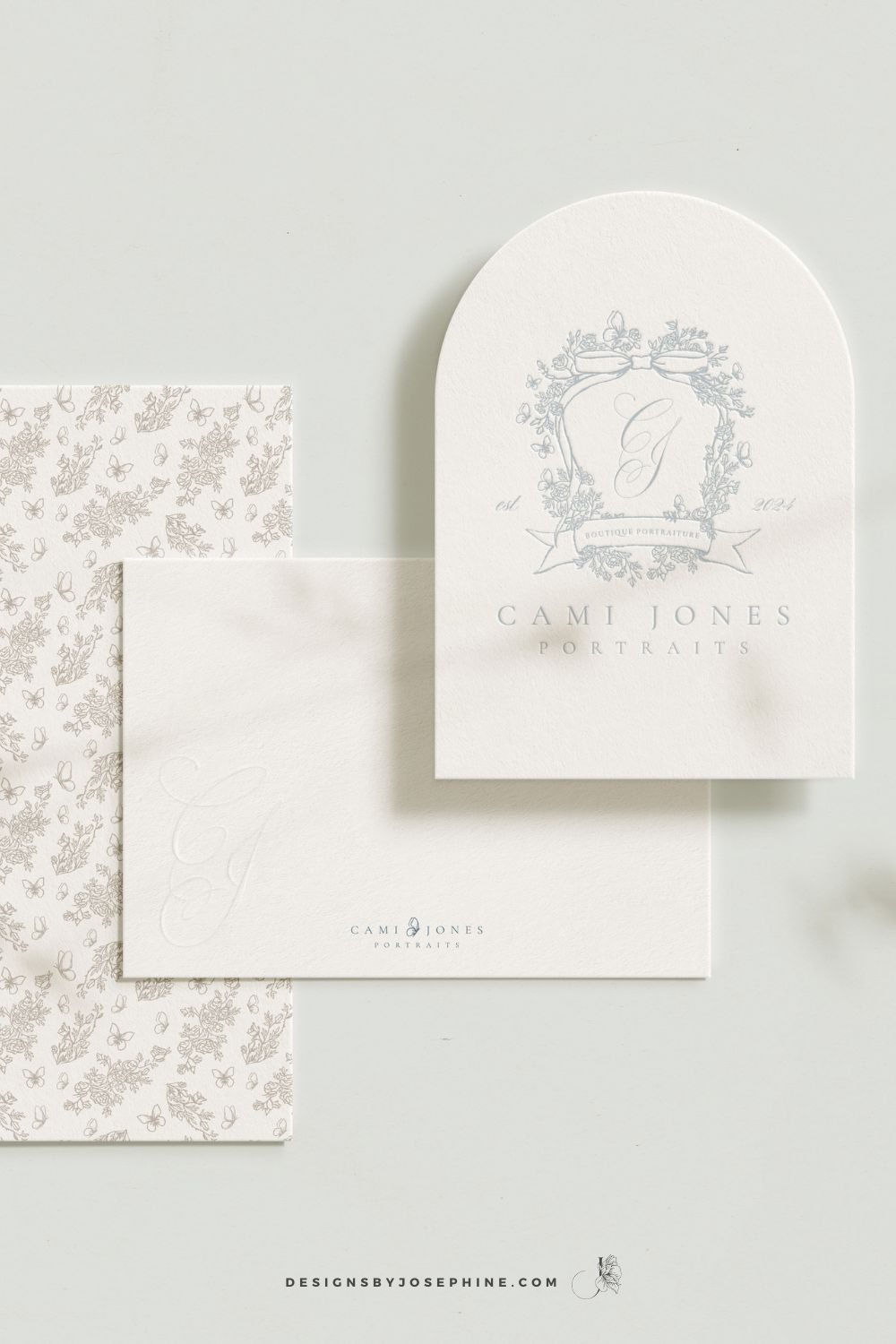
Dearest gentle reader,If the Ton in Bridgerton had a photographer, it would most certainly be Cami Jones, grace in her soul, intention in her art, and beauty in every detail she touches. From our very first conversation, I knew this would become one of those rare projects that live close to the heart. What began […]
What happens when your photography outgrows your website? This is the story of a site designed to feel like breathing in and out, calm, faith-filled, and deeply personal. A Custom Showit Website for a Motherhood Photographer, created to reflect the heart of her work and the season she’s in now. Turning a Motherhood Photographer’s Faith […]
When it comes to SEO, traffic and ranking are closely connected. The more people who land on your site, the more Google sees it as a place worth showing to others. And yes, the higher you rank, the more traffic you naturally get. It can feel a little bit like a loop, but the good […]

Backlinks might sound like one of those complicated tech words, but they’re really just about trust. When other websites mention you and link back to your own, it tells Google your work is worth noticing. For motherhood photographers, this can be one of the most powerful ways to show up higher in searches and to […]

You know that feeling when you’ve spent hours trying to figure out SEO, only to find your newborn photography website still buried on page 7 of Google? You’ve watched tutorial after tutorial but somehow you do not see inquiries via Google? That’s why I designed Ruth, the Showit template that makes SEO work for newborn […]
You know you should be emailing your list, and you’ve probably even sat down to write, but ended up overthinking it until it felt easier to just not send anything at all. What do you even say if you’re not selling something? And when you do send an email, it often ends up being about […]
Dearest reader, as this author look back through last season’s treasured chronicles, we stumble upon one of the most delightful brand transformations that graced our beloved photography circle. If you didn’t read that in Julie Andrews’ Bridgerton voice, I simply must insist you go back and try again While we may not actually be living […]
Emma is a Showit website template created specifically for motherhood photographers offering maternity, newborn, family, and milestone sessions. She is designed to help your website do more than look beautiful. She helps mothers understand what working with you feels like, how you care for them and their babies, and why your experience is worth choosing, […]
We write so much for our businesses. Captions, blogs, guides, descriptions. And most of the time, we are thinking about how it will perform. Is this good for the algorithm? Will anyone even see it? Did we choose the right keywords?It takes the joy out of writing when every sentence feels like it has to […]
Blogging can feel like one of those things you know you need to do, but it always ends up pushed to the bottom of your to-do list. You know it’s good for SEO. You know it helps your website. But every time you sit down to write, it just feels… So hard! Why Blogging Feels […]
Dearest gentle reader,If the Ton in Bridgerton had a photographer, it would most certainly be Cami Jones, grace in her soul, intention in her art, and beauty in every detail she touches. From our very first conversation, I knew this would become one of those rare projects that live close to the heart. What began […]
What happens when your photography outgrows your website? This is the story of a site designed to feel like breathing in and out, calm, faith-filled, and deeply personal. A Custom Showit Website for a Motherhood Photographer, created to reflect the heart of her work and the season she’s in now. Turning a Motherhood Photographer’s Faith […]
When it comes to SEO, traffic and ranking are closely connected. The more people who land on your site, the more Google sees it as a place worth showing to others. And yes, the higher you rank, the more traffic you naturally get. It can feel a little bit like a loop, but the good […]
Backlinks might sound like one of those complicated tech words, but they’re really just about trust. When other websites mention you and link back to your own, it tells Google your work is worth noticing. For motherhood photographers, this can be one of the most powerful ways to show up higher in searches and to […]
You know that feeling when you’ve spent hours trying to figure out SEO, only to find your newborn photography website still buried on page 7 of Google? You’ve watched tutorial after tutorial but somehow you do not see inquiries via Google? That’s why I designed Ruth, the Showit template that makes SEO work for newborn […]






Thanks so much for these ideas. This is such a useful post.
I’m so glad you like the idea! I hope it will be helpful when you are creating your Reels!