

Updates that will refresh your photography website
As a photographer, it’s important to update your website now and then.
And I don’t mean design-wise. I mean content-wise.
Much of our work can change only through a year, which must be communicated on your website to grow your business sustainably. In this post, I will give you tips on updates that will refresh your photography website.

Your website needs to grow with you
Let’s start with a reflection.
Imagine yourself a year back in time, and then think about where you are today. How many photo sessions have you had? Each one of them has made you a better photographer. Given you more experience, not only in how to pose and communicate with your clients, compose your pictures, and edit them. But also in confidence to reach dreams and goals. Or maybe even new dreams are born during the last year.
We constantly grow, and with this, our clientele is also changing. You are reaching out to a different type of people today than the day you started.
Or if this was your first year, your experience and knowledge have certainly grown.
To keep growing
To keep moving your business forward, no matter what stage you are in now. Everything that has happened during the last year needs to be added to your website. That is in order to attract the clients you want to and deserve to work with at this stage of your business.
Again, take a look back. Are your photos and clients the same today as on your first day? No matter how far or how new the photography journey is for you, the answer is no.
Updating your website doesn’t necessarily mean you need a completely new one. It’s enough to update your content and replace some older ones with the new ones to represent your photography business better today.
And below here, you can see examples of parts of your website that you can update to make it more accurate and make you book the photo sessions with people you want to book.
1. UPDATE YOUR GALLERIES
It’s obvious, right? As our galleries are the center of your website as a photographer, updating them is given.
But this doesn’t mean all your work must be uploaded and shown in galleries. You need to curate and only use the ones that represent the type of pictures you want to take now.
As photographers, we constantly develop our style, editing, posting, and composition. We are a constant work in progress.
You can still be proud of many of your earlier photo sessions, but if they don’t represent where you are now. Or helping you attract the kind of persons that will hire you to take the pictures you want to create. Then those photos should not be visible on your website.
Or at least not in your galleries. For example, keep them in blog posts, but you should not highlight them.
When it comes to your galleries, less is more. You should not add everything you have here—only the top-notch.
And even if you have a lot of gorgeous galleries, you must be hard when selecting which ones should be visible.
Because too many galleries can overwhelm potential clients when they click on your website before deciding to inquire.
Read this blog post if you want to learn more about how to organize your portfolio page.
2. ADD OR REPLACE TESTIMONIALS
A good testimonial is a good testimonial, no matter when you received it. If it was in your early days or if you recently received it.
With the thought of what we just spoke about that our older work might not represent us the way, we want today.
Something to consider as a photographer as we often showcase the testimonials together with photos of the session it belongs to, it might be a good idea to add those older testimonials in another way, without photos.
One idea is to sprinkle them as quotes around your website.
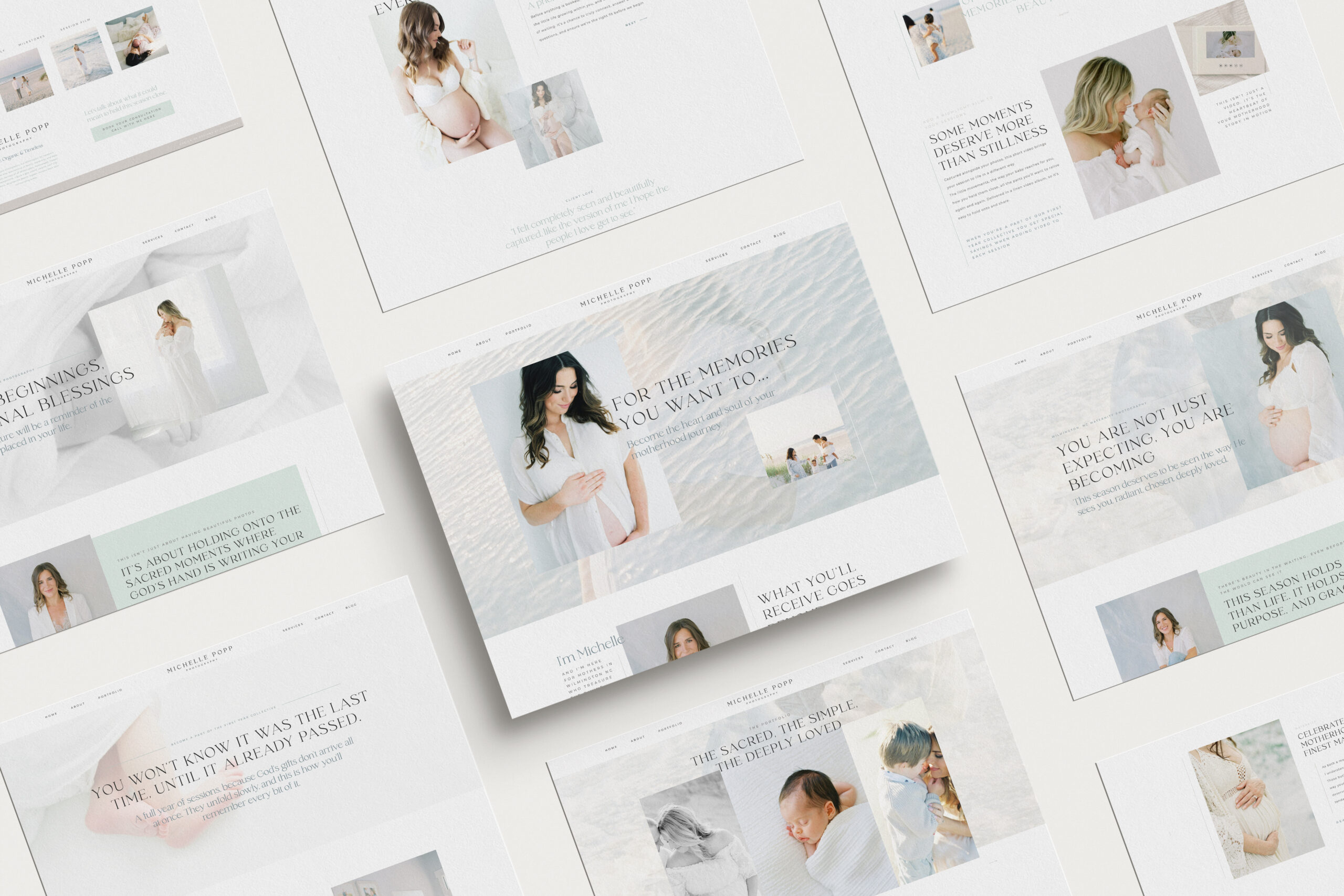
An example is my Michelle template which has two versions showing testimonials, one on the first page and another on the service page.
Another place to add testimonials is in the blog post for the session it belongs to. Add it as a quote with a larger font. Then it will be something your site visitors notice together with the gallery.
3. MAKE SURE YOUR COPY IS RELEVANT
As we have already discussed, your business is changing. What was accurate when you launched your current website might be different today.
A good idea is to go through the pages of your site and ensure that headlines and text still are relevant.
For example, if you are a wedding photographer and when you started, you attracted DIY brides but maybe have changed direction along the way and now want to do more elopements.
Then you need to shift the text and message to make sure what you say are relevant for couples that want to elope, rather than crafting their wedding invitations.
If you find it hard to write your copy, download my free value workbook, it will make the work easier for you.
4. REFRESH YOUR BLOG
Updating your blog can quickly become a massive project as you can use your blog for so many purposes.
But start to blog about your recent sessions. We often tend to have a backlog of blog posts, which is a bit stupid as your blog is like rocket fuel for your SEO.
When all sessions have their blog posts, start to write other blog posts that can address questions your potential clients might have.
For example, for myself, I’m an outdoor maternity photographer. When winter comes, I always get questions about how it works to have an outdoor session when it’s freezing degrees outside.
I have a blog post about this specific topic that I sent them when I got the question. I also link to that blog post from other pages on my website.
Dedicating a specific page (a blog post) to one topic is brilliant. It’s good for SEO, but it will also serve your potential clients well if they want more in-depth information about a subject.
Another bonus tip is to create informative social media posts out of those blog posts. Genius right?
Read more about blogging as a photographer here.
5. HAVE A LOOK AT YOUR INSIGHTS
Another smart thing is to look at the statistics of your social media posts and your website if you are using a tool such as Google Analytics or similar.
Identify what topics and content most people have engaged with and taken part in.
Highlight those topics or photo sessions that most people have shown interest in at different places on your website.
But again, only if it resonates with the type of sessions and clients, you want to book.
DON’T OVERTHINK THIS
Even if a good website needs a strategy behind it, we quickly make this kind of task much bigger than they need to be.
Updating galleries and adding a few blog posts is relatively easy, but when it comes to the copy and overall strategy, that’s something that isn’t done in an afternoon.
Before you start making any changes at all, take a couple of minutes to write down a few sentences about who your website should be for. Don’t think of your current site. Just write down what message you want to send to a potential client that visits your website.
Once that is done, it will be much easier for you.
Because then you don’t add your message to your website but instead adjust your website to your message.
Doing it this way will make it easier for you to see what needs to be done.
And all changes don’t need to happen at once. See your website as an organic thing that constantly changes. Often it’s time that makes us not prioritize our website, but it’s an essential tool for you to use for both marketing and providing your clients with a good client experience before they inquire with you.
I’M AN PHOTOGRAPHER WEBSITE EXPERT
Sometimes your transformation and growth have made you outgrow your current website entirely.
It’s not enough to only update a few galleries and paragraphs to make it support the direction you are going towards with your business.
If you are in this position, bring that notebook out of yours again and write down everything you feel your new website needs.
After that is done, you can start looking for a web designer, website templates, or start building a new site yourself.
But it’s important to know what you need (and don’t want) before you start. Otherwise, it can be an overwhelming process, and you, in the end, have a website you are still not happy with.
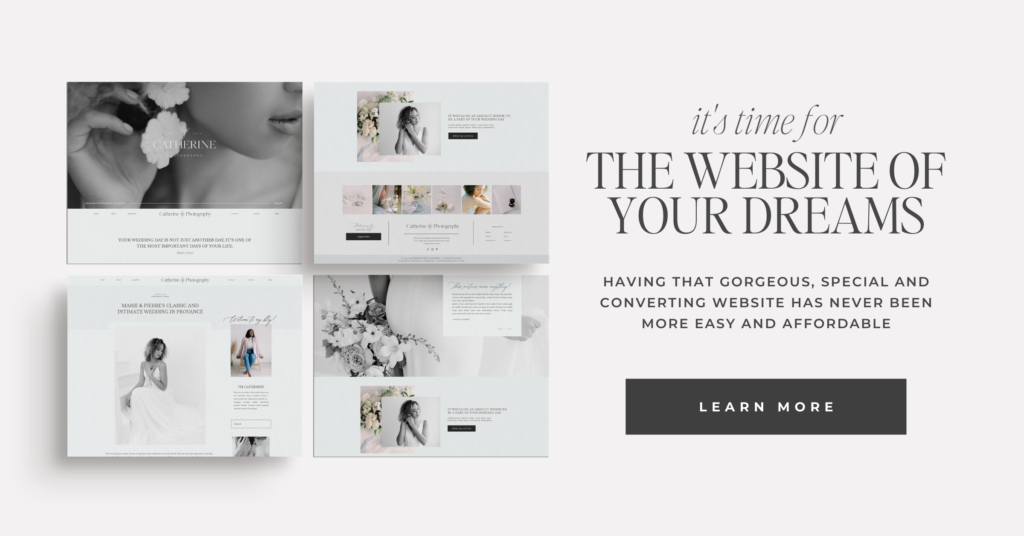
I do both custom websites and have templates for Showit. As a photographer myself, I use all that knowledge and experience about what’s needed from a photography website built into my work.
Feel free to look at my templates or contact me to have your website custom-made. Feel free to reach out even if you don’t really know what you want from your website. I’m happy to guide you in the right direction.
read more…
Leave a Reply
Other really good blog posts
Dearest reader, as this author look back through last season’s treasured chronicles, we stumble upon one of the most delightful brand transformations that graced our beloved photography circle. If you didn’t read that in Julie Andrews’ Bridgerton voice, I simply must insist you go back and try again While we may not actually be living […]
Emma is a Showit website template created specifically for motherhood photographers offering maternity, newborn, family, and milestone sessions. She is designed to help your website do more than look beautiful. She helps mothers understand what working with you feels like, how you care for them and their babies, and why your experience is worth choosing, […]

We write so much for our businesses. Captions, blogs, guides, descriptions. And most of the time, we are thinking about how it will perform. Is this good for the algorithm? Will anyone even see it? Did we choose the right keywords?It takes the joy out of writing when every sentence feels like it has to […]
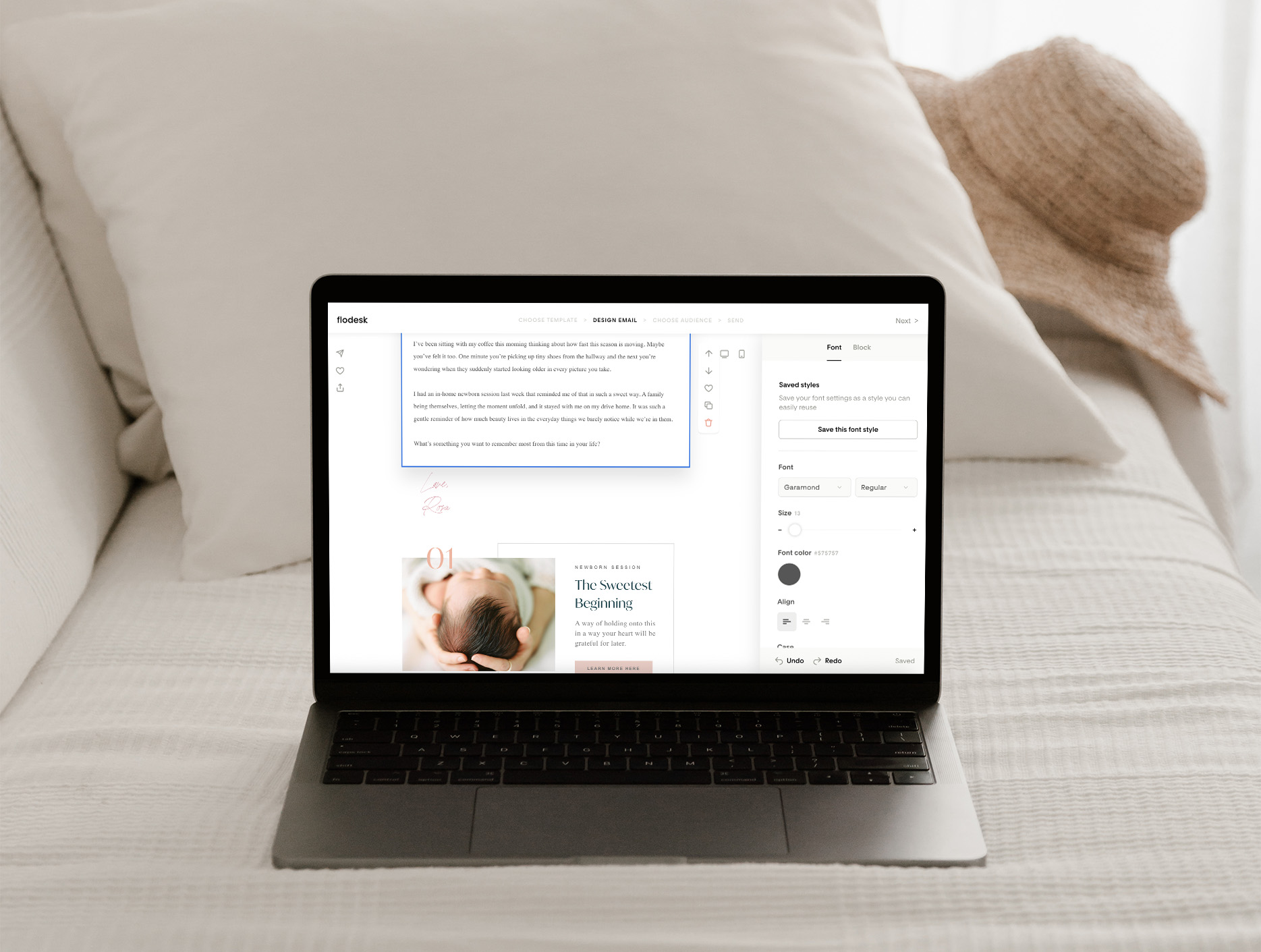
Blogging can feel like one of those things you know you need to do, but it always ends up pushed to the bottom of your to-do list. You know it’s good for SEO. You know it helps your website. But every time you sit down to write, it just feels… So hard! Why Blogging Feels […]

Dearest gentle reader,If the Ton in Bridgerton had a photographer, it would most certainly be Cami Jones, grace in her soul, intention in her art, and beauty in every detail she touches. From our very first conversation, I knew this would become one of those rare projects that live close to the heart. What began […]
What happens when your photography outgrows your website? This is the story of a site designed to feel like breathing in and out, calm, faith-filled, and deeply personal. A Custom Showit Website for a Motherhood Photographer, created to reflect the heart of her work and the season she’s in now. Turning a Motherhood Photographer’s Faith […]
When it comes to SEO, traffic and ranking are closely connected. The more people who land on your site, the more Google sees it as a place worth showing to others. And yes, the higher you rank, the more traffic you naturally get. It can feel a little bit like a loop, but the good […]

Backlinks might sound like one of those complicated tech words, but they’re really just about trust. When other websites mention you and link back to your own, it tells Google your work is worth noticing. For motherhood photographers, this can be one of the most powerful ways to show up higher in searches and to […]

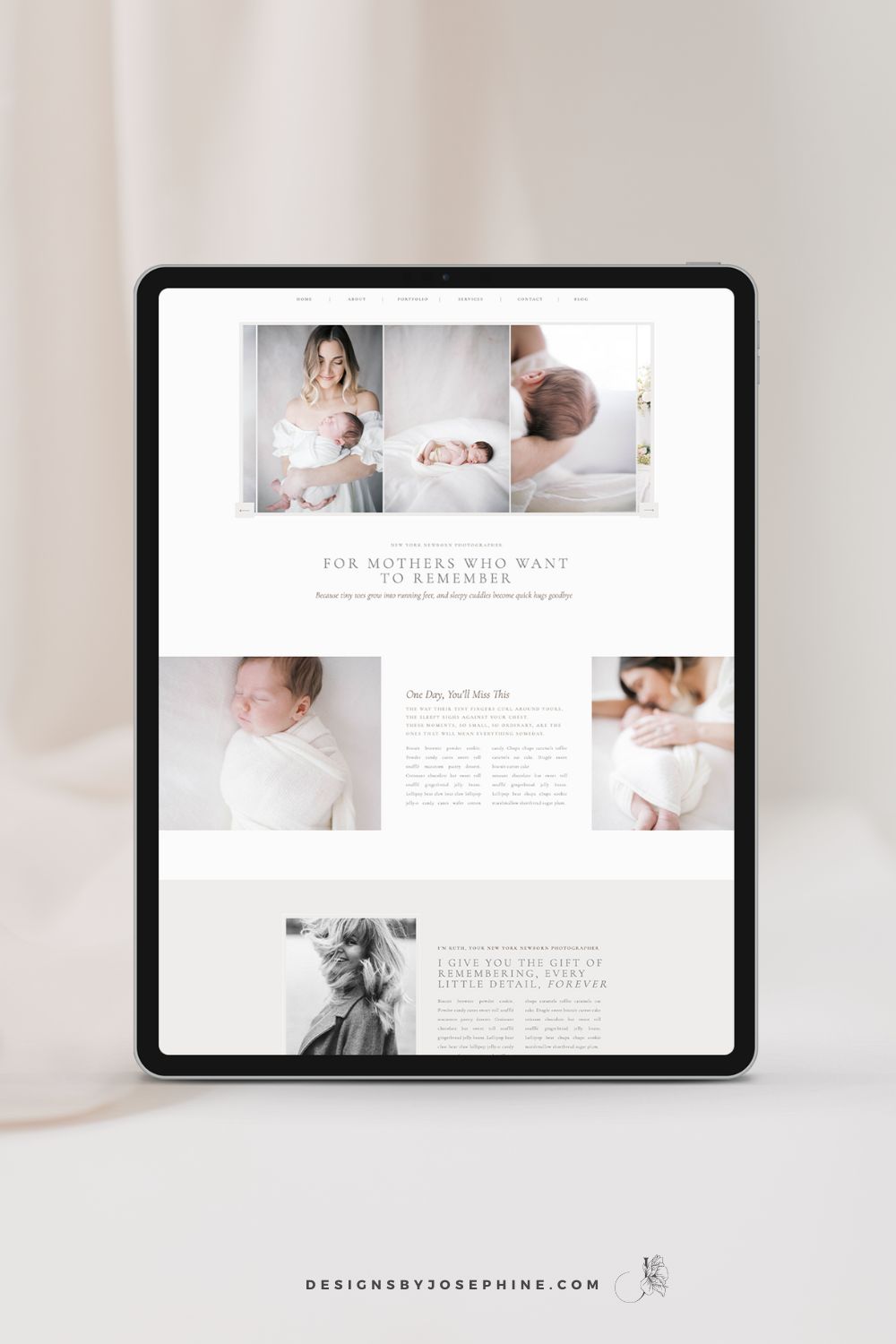
You know that feeling when you’ve spent hours trying to figure out SEO, only to find your newborn photography website still buried on page 7 of Google? You’ve watched tutorial after tutorial but somehow you do not see inquiries via Google? That’s why I designed Ruth, the Showit template that makes SEO work for newborn […]
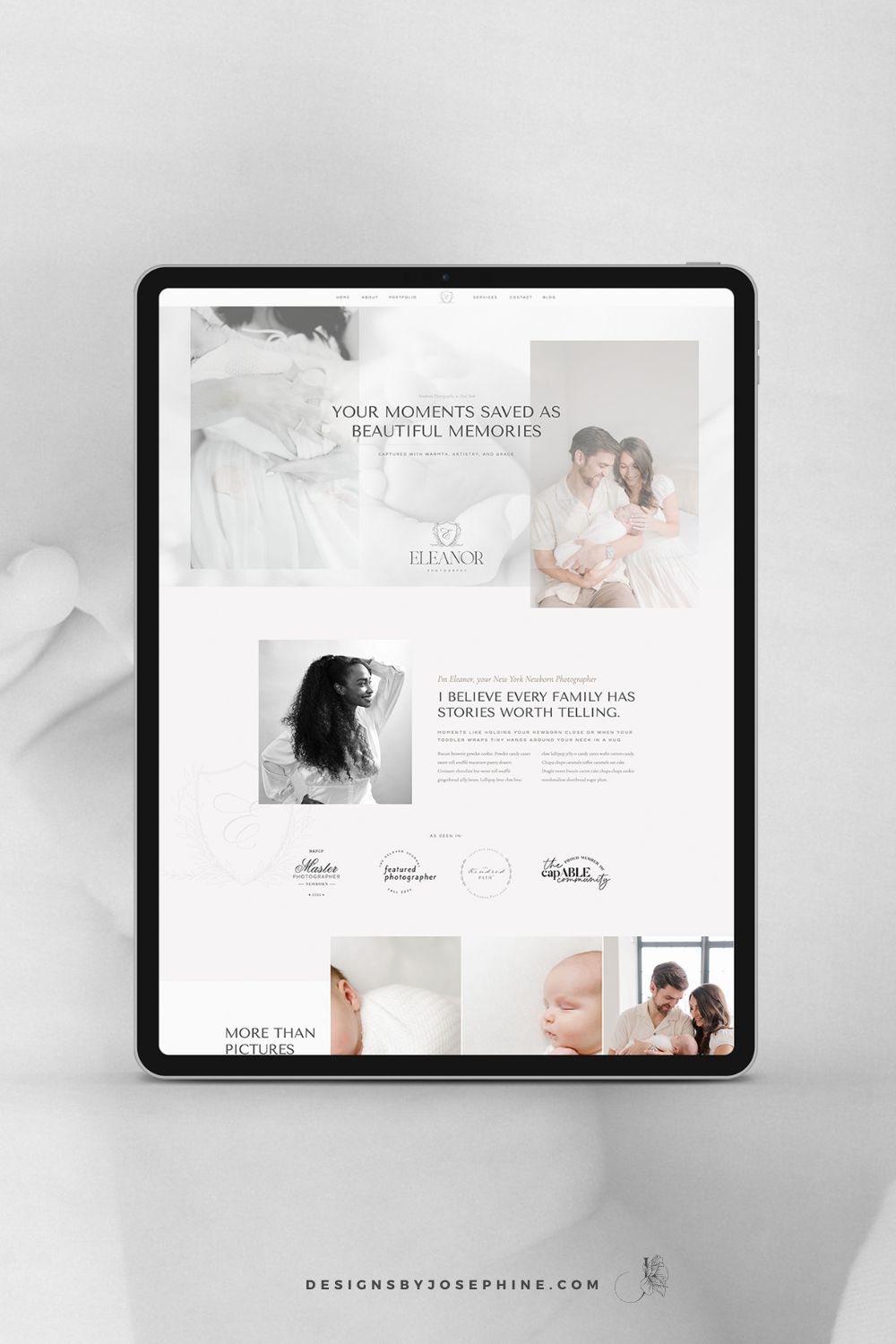
You create these beautiful, heartfelt moments for your clients. Your sessions are thoughtfully planned and your images are stunning. But does your website truly reflect the amazing experience you provide? Eleanor is the new Showit Template for Maternity, Newborn and Family Photographers who want their online presence to match the quality of their work. Create […]
Dearest reader, as this author look back through last season’s treasured chronicles, we stumble upon one of the most delightful brand transformations that graced our beloved photography circle. If you didn’t read that in Julie Andrews’ Bridgerton voice, I simply must insist you go back and try again While we may not actually be living […]
Emma is a Showit website template created specifically for motherhood photographers offering maternity, newborn, family, and milestone sessions. She is designed to help your website do more than look beautiful. She helps mothers understand what working with you feels like, how you care for them and their babies, and why your experience is worth choosing, […]
We write so much for our businesses. Captions, blogs, guides, descriptions. And most of the time, we are thinking about how it will perform. Is this good for the algorithm? Will anyone even see it? Did we choose the right keywords?It takes the joy out of writing when every sentence feels like it has to […]
Blogging can feel like one of those things you know you need to do, but it always ends up pushed to the bottom of your to-do list. You know it’s good for SEO. You know it helps your website. But every time you sit down to write, it just feels… So hard! Why Blogging Feels […]
Dearest gentle reader,If the Ton in Bridgerton had a photographer, it would most certainly be Cami Jones, grace in her soul, intention in her art, and beauty in every detail she touches. From our very first conversation, I knew this would become one of those rare projects that live close to the heart. What began […]
What happens when your photography outgrows your website? This is the story of a site designed to feel like breathing in and out, calm, faith-filled, and deeply personal. A Custom Showit Website for a Motherhood Photographer, created to reflect the heart of her work and the season she’s in now. Turning a Motherhood Photographer’s Faith […]
When it comes to SEO, traffic and ranking are closely connected. The more people who land on your site, the more Google sees it as a place worth showing to others. And yes, the higher you rank, the more traffic you naturally get. It can feel a little bit like a loop, but the good […]
Backlinks might sound like one of those complicated tech words, but they’re really just about trust. When other websites mention you and link back to your own, it tells Google your work is worth noticing. For motherhood photographers, this can be one of the most powerful ways to show up higher in searches and to […]
You know that feeling when you’ve spent hours trying to figure out SEO, only to find your newborn photography website still buried on page 7 of Google? You’ve watched tutorial after tutorial but somehow you do not see inquiries via Google? That’s why I designed Ruth, the Showit template that makes SEO work for newborn […]
You create these beautiful, heartfelt moments for your clients. Your sessions are thoughtfully planned and your images are stunning. But does your website truly reflect the amazing experience you provide? Eleanor is the new Showit Template for Maternity, Newborn and Family Photographers who want their online presence to match the quality of their work. Create […]